Manage Huawei GaussDB with NineData
NineData provides a browser-based Database DevOps workspace for Huawei DWS, openGauss, and GaussDB enterprise distributed databases. Teams can use one platform to browse database objects, run SQL, review changes, apply approval workflows, and analyze slow queries across GaussDB environments.
Overview
GaussDB environments are often used for core business systems, analytics workloads, and distributed database deployments. Direct database access, shared accounts, and ad hoc SQL changes can make these environments difficult to govern.
With NineData, database teams can manage GaussDB work through controlled accounts, role-based permissions, SQL development standards, SQL tasks, approval workflows, and audit records. This gives developers a practical SQL workspace while keeping production operations reviewable and traceable.
NineData support covers the GaussDB family described in this guide, including Huawei DWS, openGauss, and GaussDB enterprise distributed databases.
Key capabilities
- Centralized access: Route database operations through NineData instead of direct personal connections to production databases.
- Permission control: Assign permissions to each developer, let users request access when needed, and revoke access when team members leave.
- SQL development standards: Define editable standards so risky or non-compliant SQL can be detected and blocked before execution.
- Batch database changes: Apply schema or data changes across multiple data sources, databases, and tables through a controlled workflow.
- Scheduled SQL execution: Submit SQL tasks and run approved SQL at a planned time.
- Approval workflows: Require review before SQL that may affect the business is executed on the target database.
- Data import and export: Export database data to files or import data from files into the database.
- AI-assisted SQL operations: Use AI capabilities for database Q&A, SQL optimization, index suggestions, and SQL rewrite suggestions.
- Slow query analysis: Collect slow queries, diagnose performance issues, and generate optimization suggestions such as index changes or table-structure adjustments.
- SQL audit: Review SQL before application releases and block problematic statements based on intelligent checks and enterprise SQL standards.
- DSQL: Query multiple homogeneous or heterogeneous data sources in one statement and return a combined result set.
Feature walkthrough
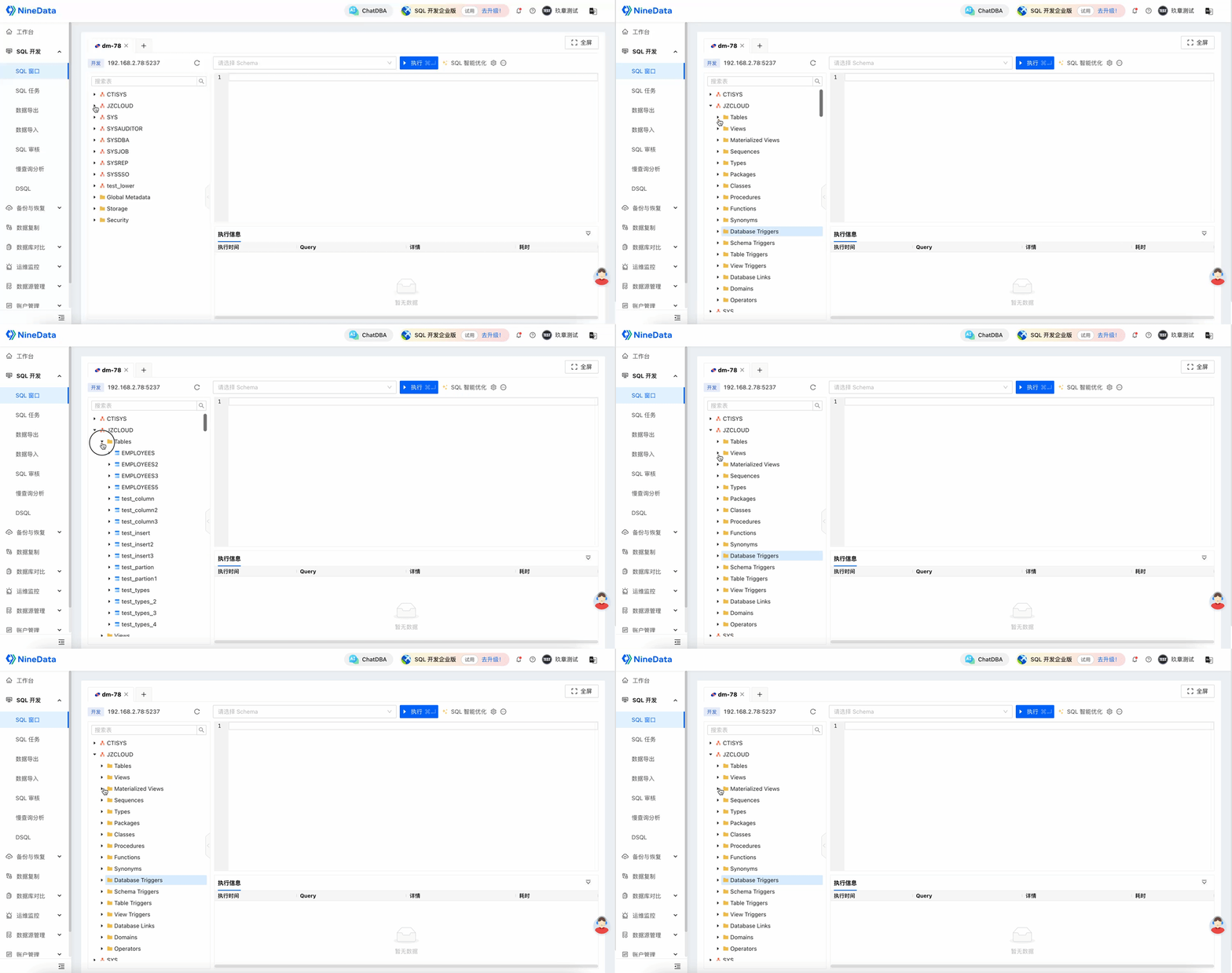
Navigation tree: View schemas, tables, and non-table objects in the database.
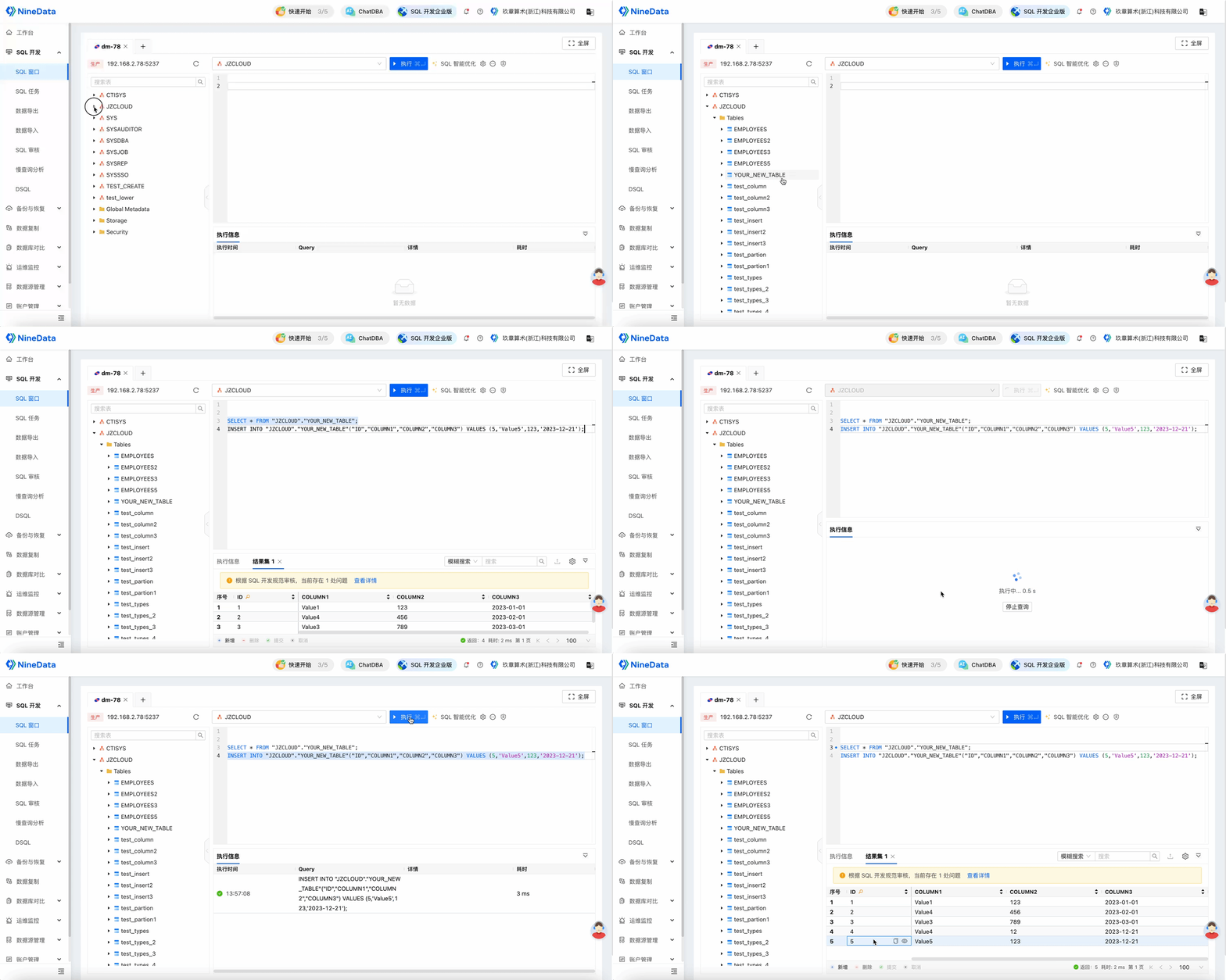
SQL editing: Create, query, update, or delete database data based on your permissions.
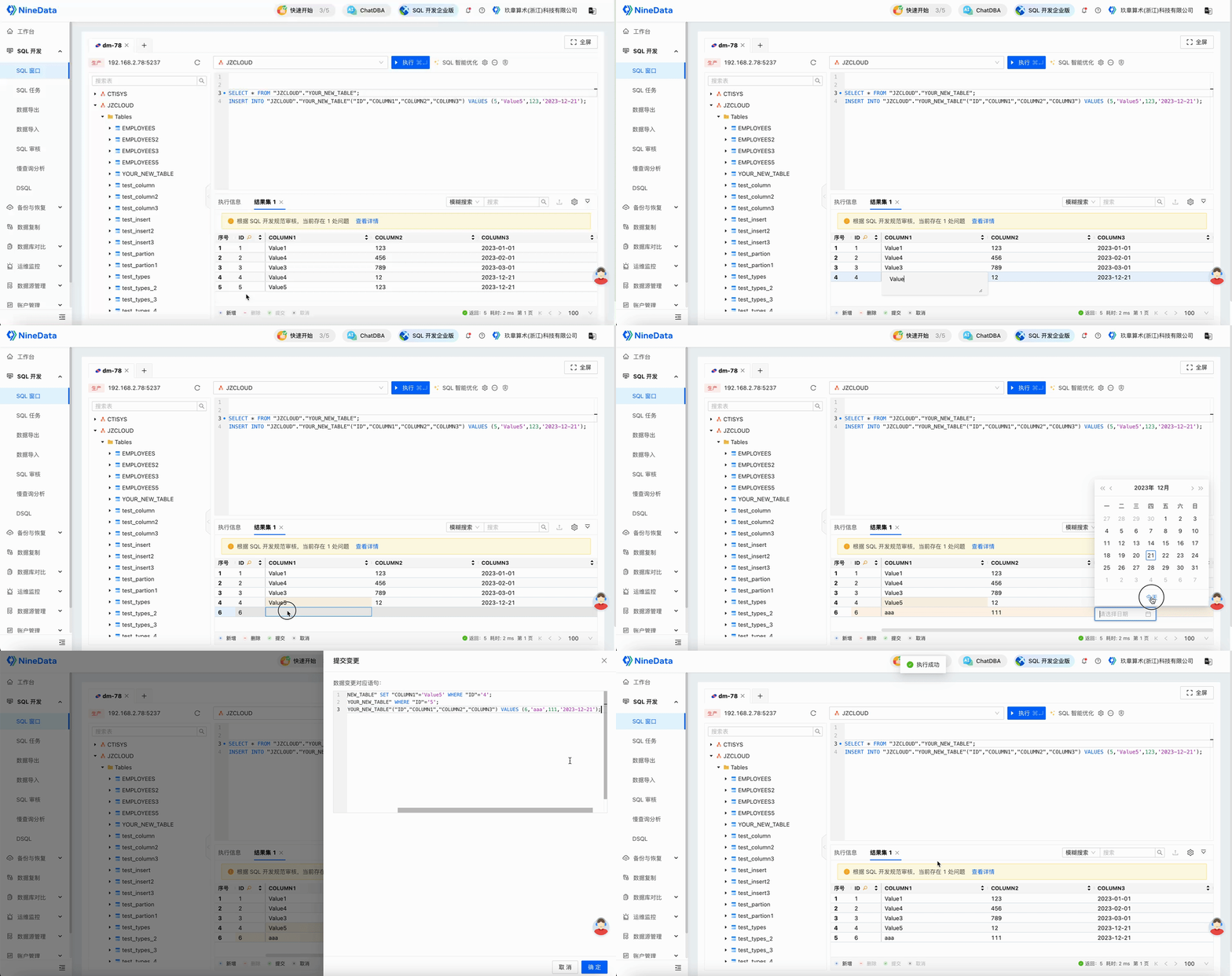
Result-set editing: Edit result sets visually, generate change statements from the edits, and copy the generated SQL for use in other clients.
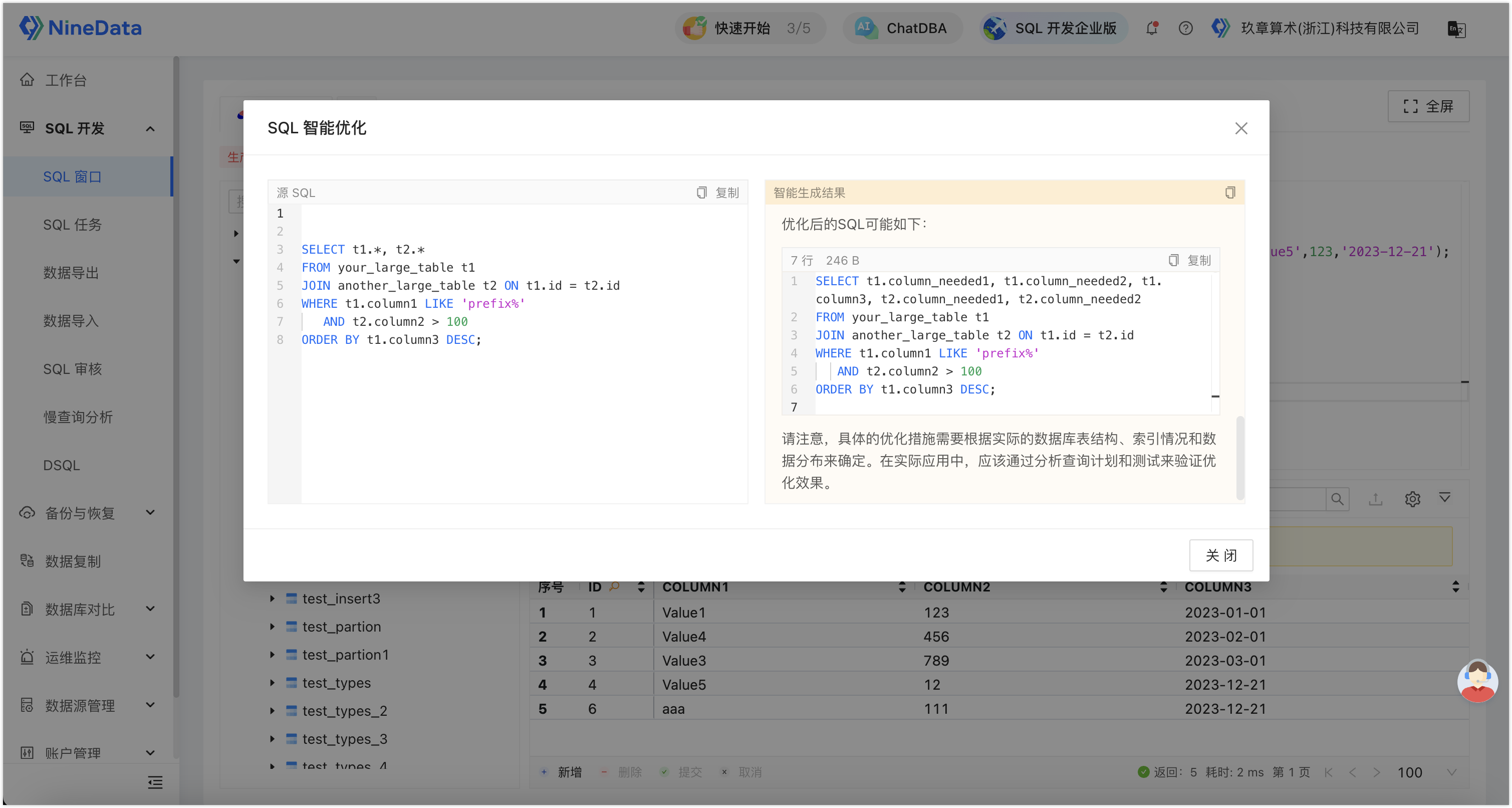
SQL optimization: Analyze and optimize SELECT statements with AI-assisted suggestions.
SQL standards enforcement: For example, configure standards that discourage
SELECT *, and block SQL that violates the rule.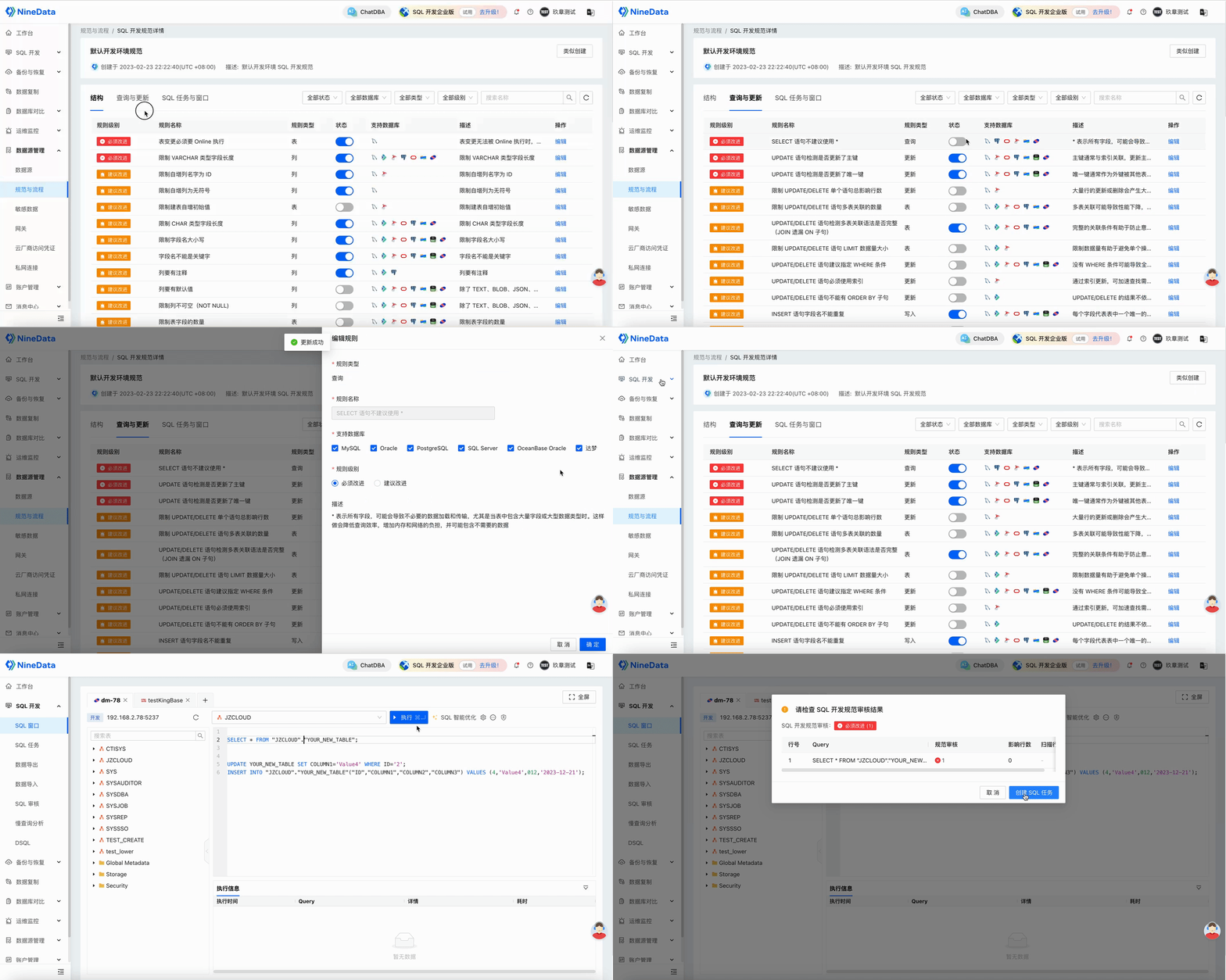
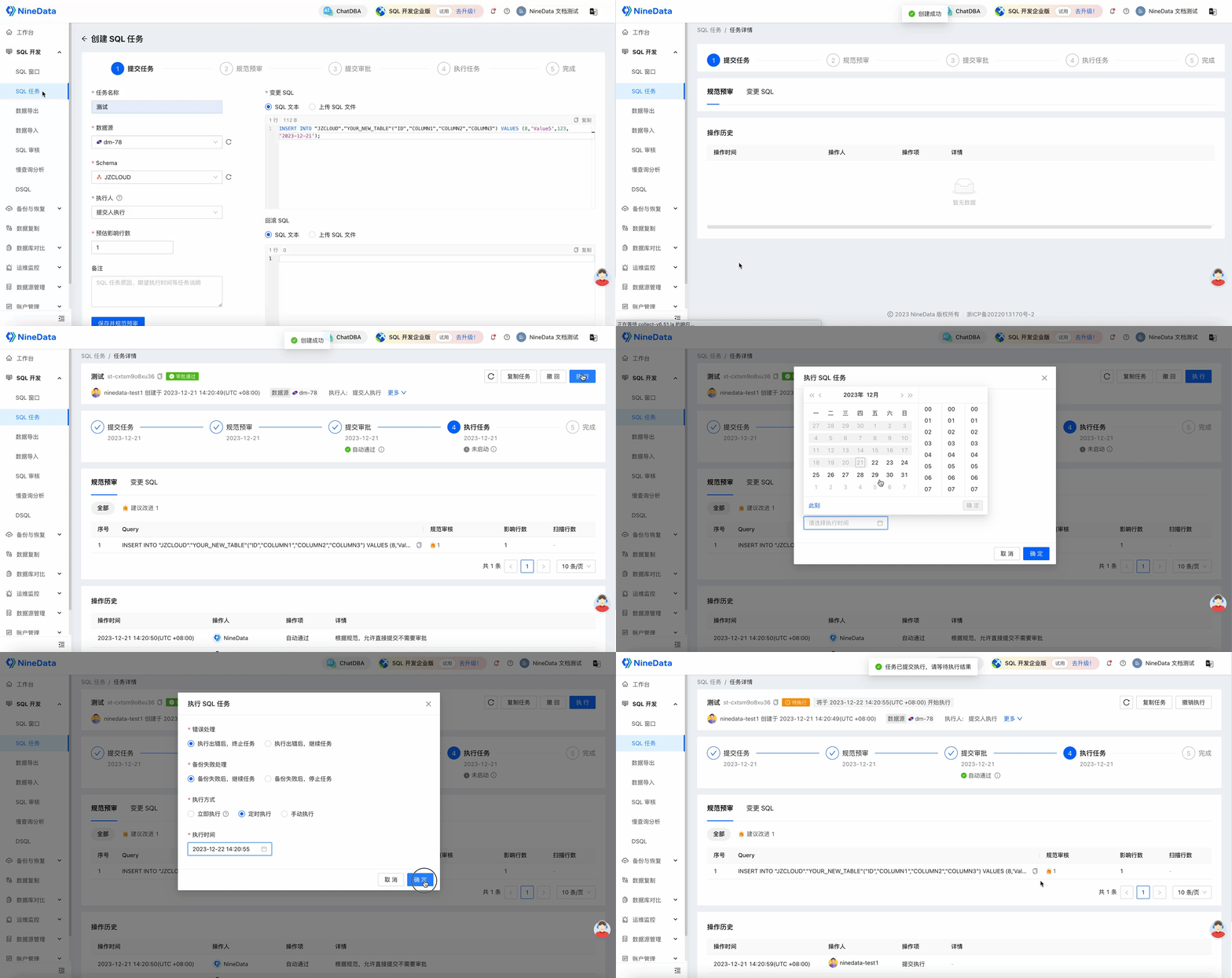
Scheduled SQL execution: Submit a SQL task and choose a planned execution window after approval.