MySQL Long-Transaction Diagnosis with ChatDBA | NineData
Long-running transactions may hold locks, delay historical-version cleanup, affect changes, or increase rollback cost. Review transaction age, write volume, sessions, locks, and business impact together instead of judging risk from an idle session alone.
Before you begin
- Sign in to the NineData console and add the target MySQL data source.
- Confirm that the current account can access the target data source.
- Before handling a production transaction, confirm the business owner, transaction contents, and acceptable rollback window.
Procedure
Open ChatDBA and select the MySQL data source through Select Datasource.
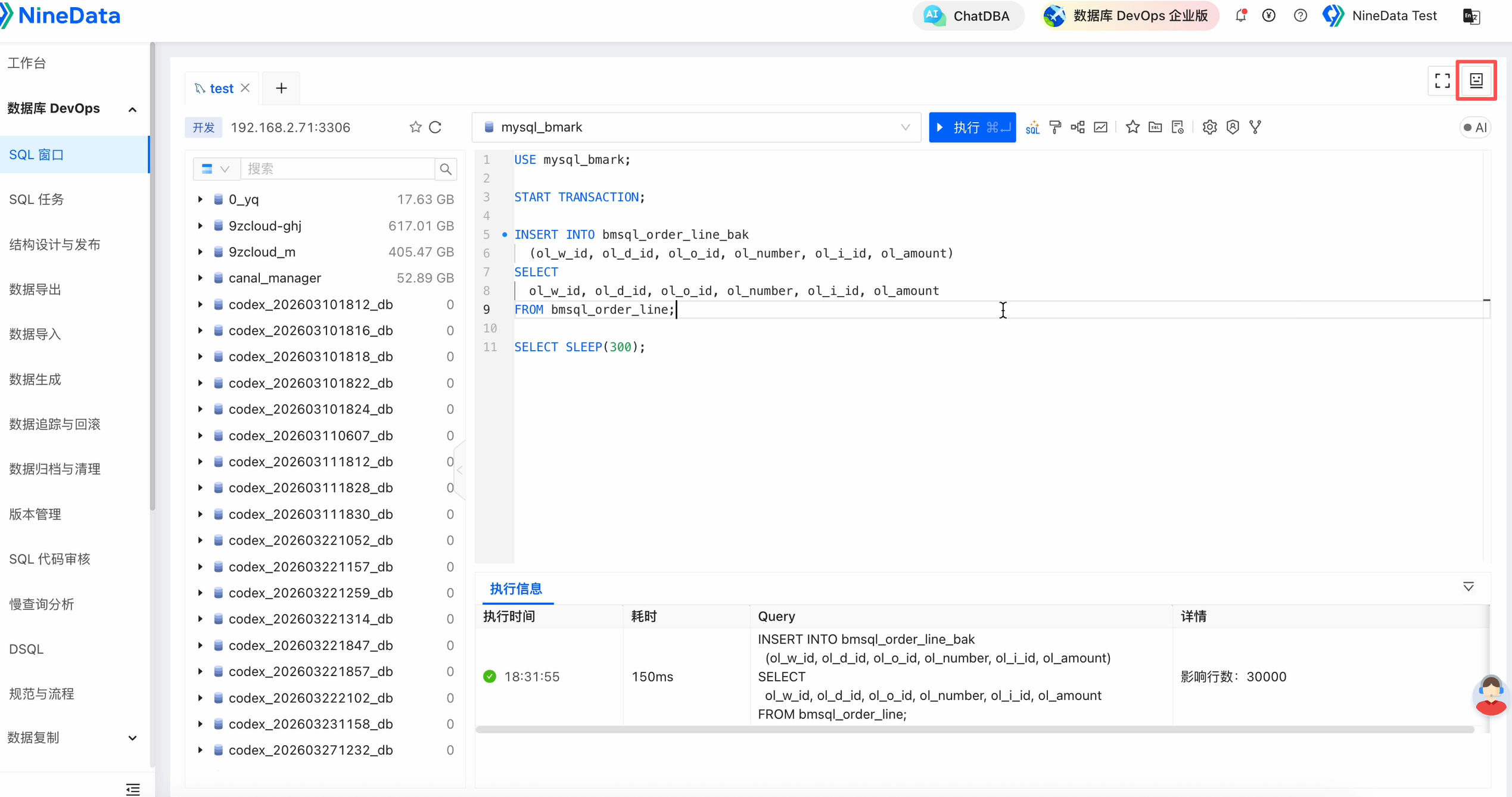
Enter and send a request such as:
Check the current MySQL instance for long or large transactions. List transaction age, sessions, running SQL, possible risks, and handling suggestions.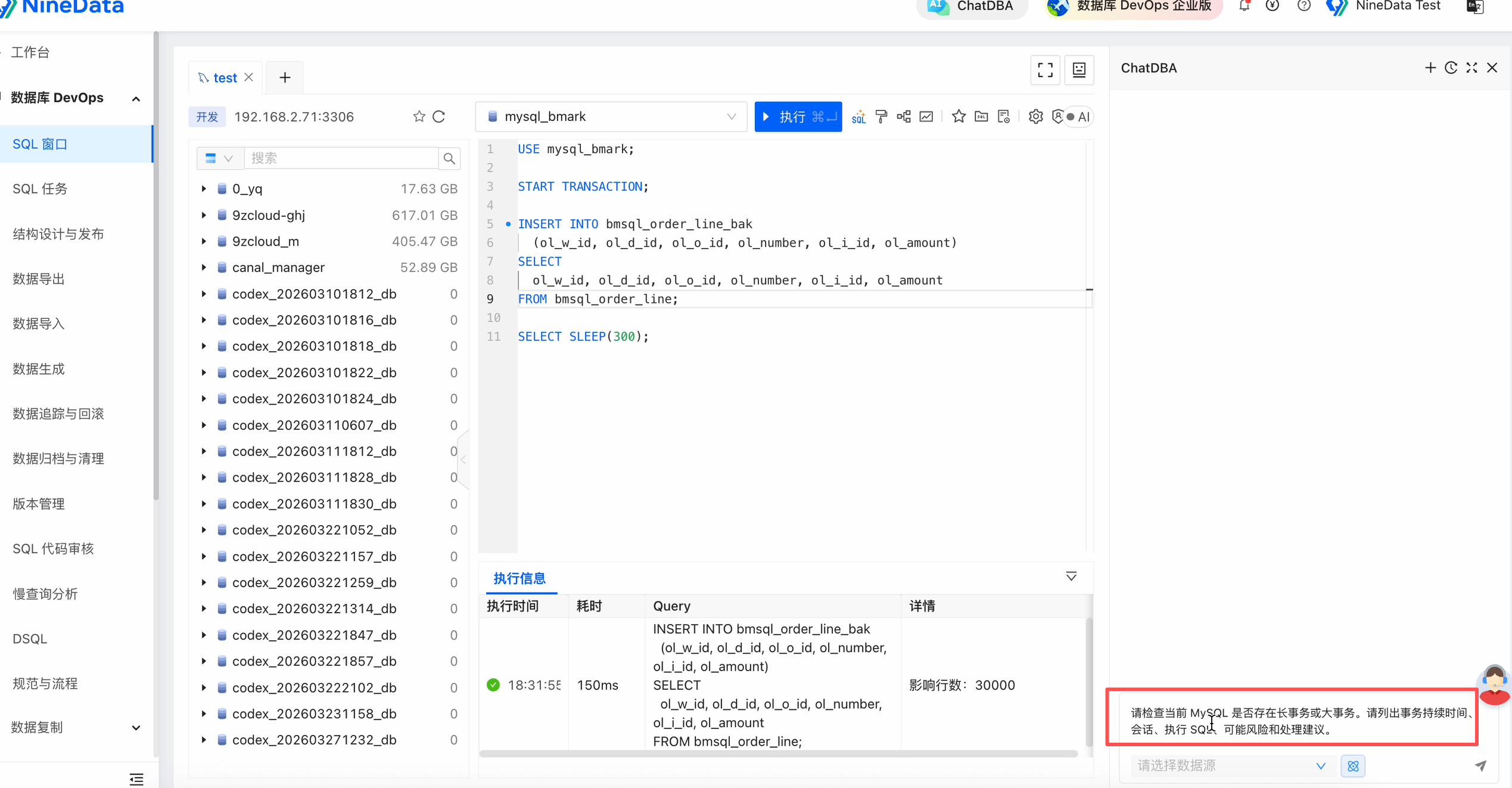
Review transaction age, related sessions, write volume, lock ownership, blocking impact, and rollback risk.
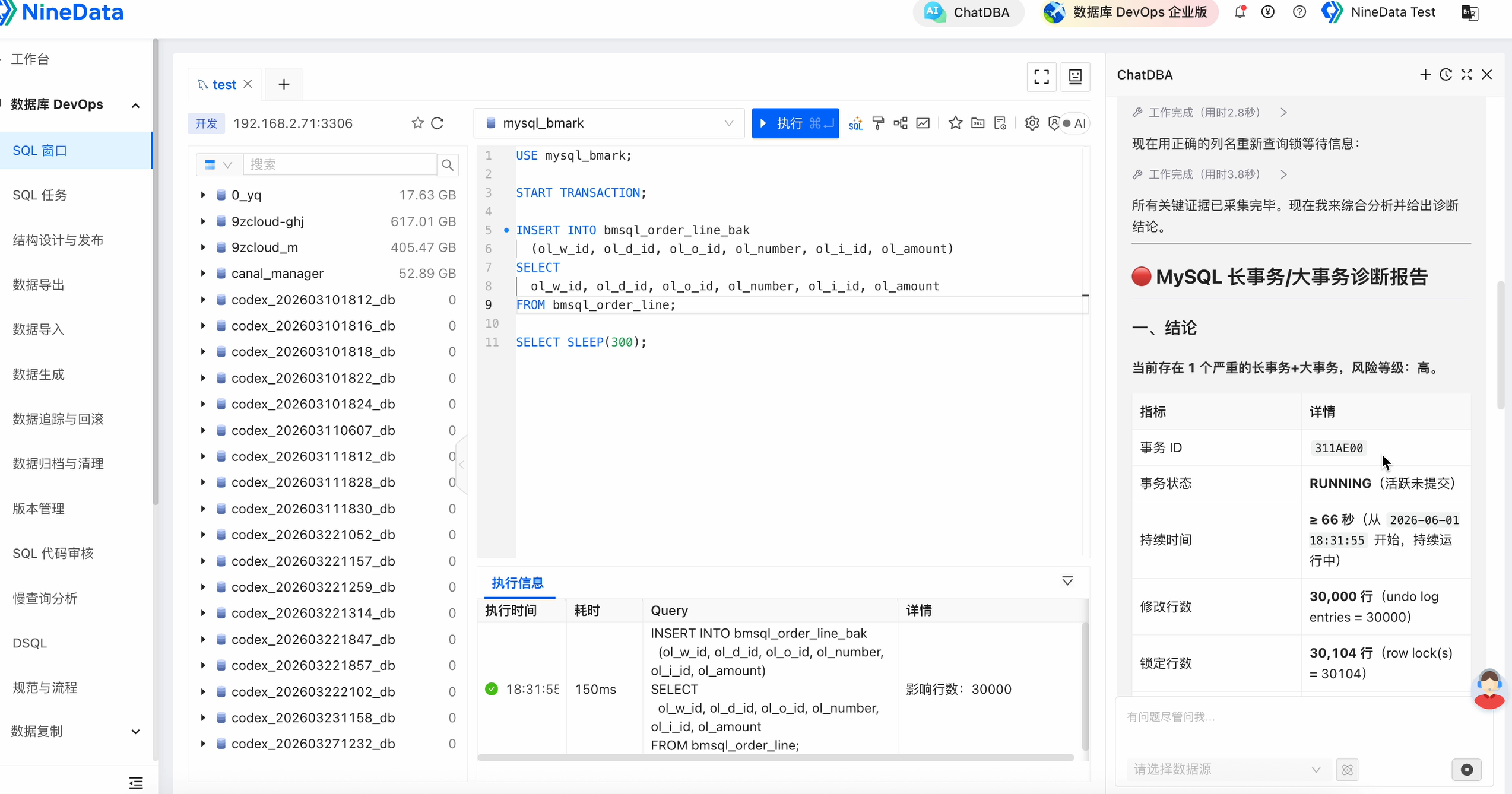
Result and risk
- Confirm transaction source, contents, lock ownership, and impact before committing, rolling back, terminating, or continuing to observe it.
- Terminating a large transaction may trigger a long rollback and increase resource pressure. Treat ChatDBA output as guidance, not an execution instruction.
- For recurring long transactions, review batch size, transaction boundaries, traffic peaks, and the release process.