Manage Elasticsearch with NineData SQL Console
Use NineData SQL Console as a visual Elasticsearch client for browsing, querying, analyzing, and managing Elasticsearch data sources. The console combines visual operations, command-line execution, command history, workspace recovery, and organization-level controls.
Why Use A Managed Elasticsearch Console
Elasticsearch is widely used for log analysis, full-text search, real-time monitoring, and metrics analysis. Teams often need a management workspace that is easier to use than raw APIs while still supporting collaboration and governance.
Common challenges include:
- No visual interface for users who are not familiar with Elasticsearch APIs.
- Limited collaboration controls in standalone tools.
- Lost work context after browser or system interruptions.
- Difficult command history lookup and reuse.
Capabilities
NineData SQL Console for Elasticsearch supports:
- Visual browsing and data access.
- Command-line mode for Elasticsearch commands and options.
- Enterprise permissions, audit logs, SSO, standards, and approval processes.
- Cloud-saved workspace recovery.
- Command execution history with search and copy support.
Use SQL Console For Elasticsearch
Visual Data Access
Browse, query, and analyze Elasticsearch data in a visual interface.
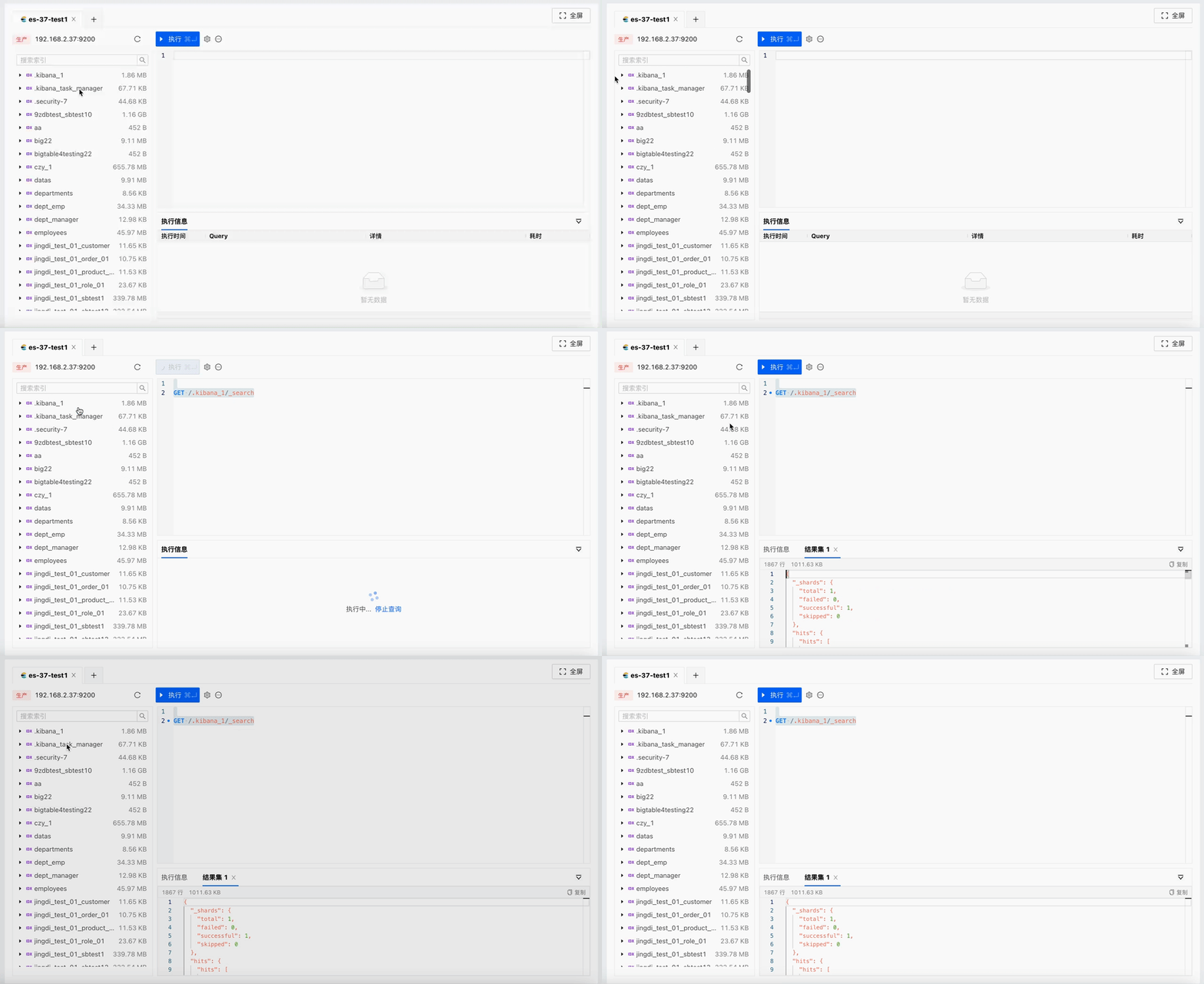
Command-Line Mode
Run Elasticsearch commands from the SQL Console when you need direct command control.
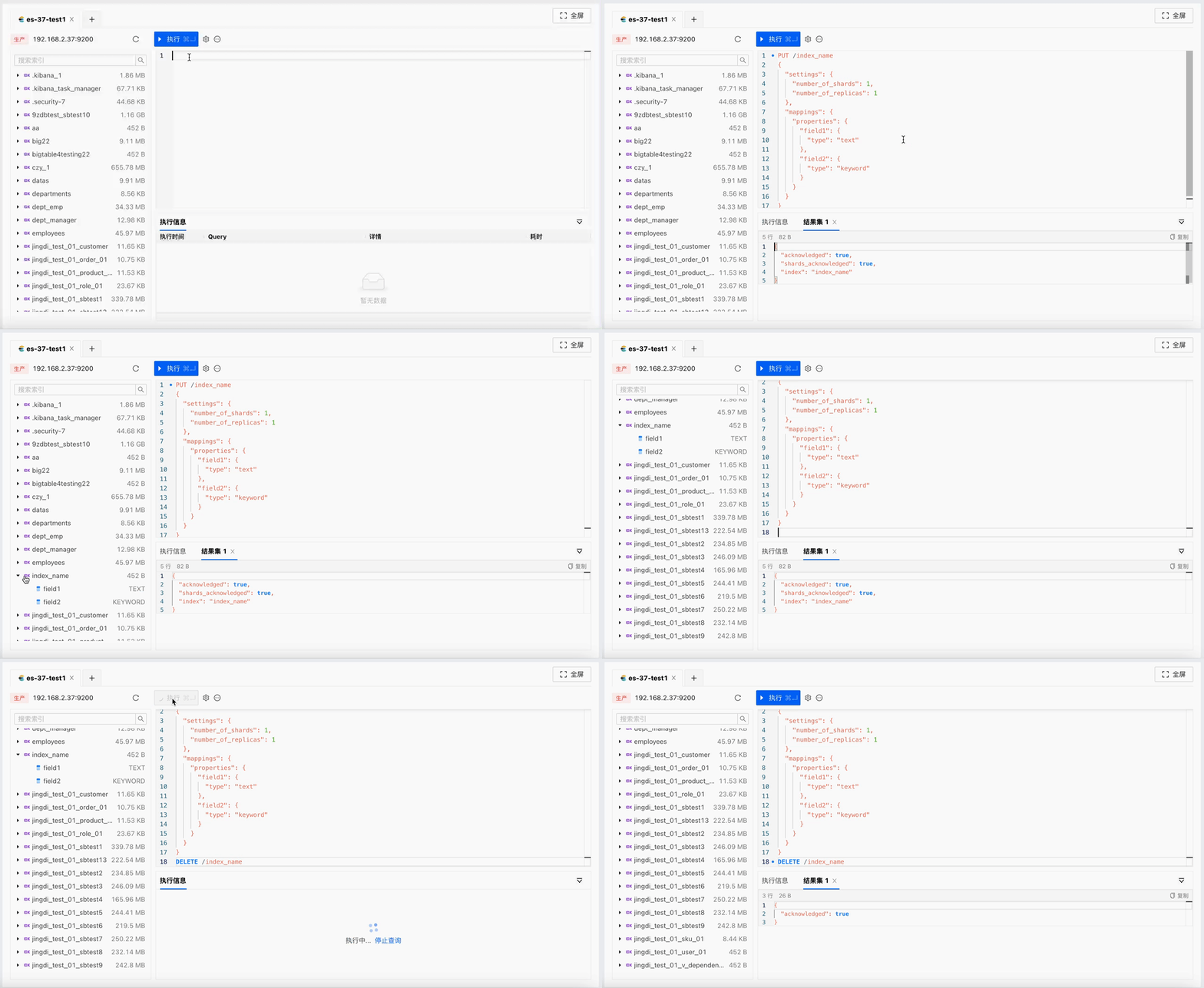
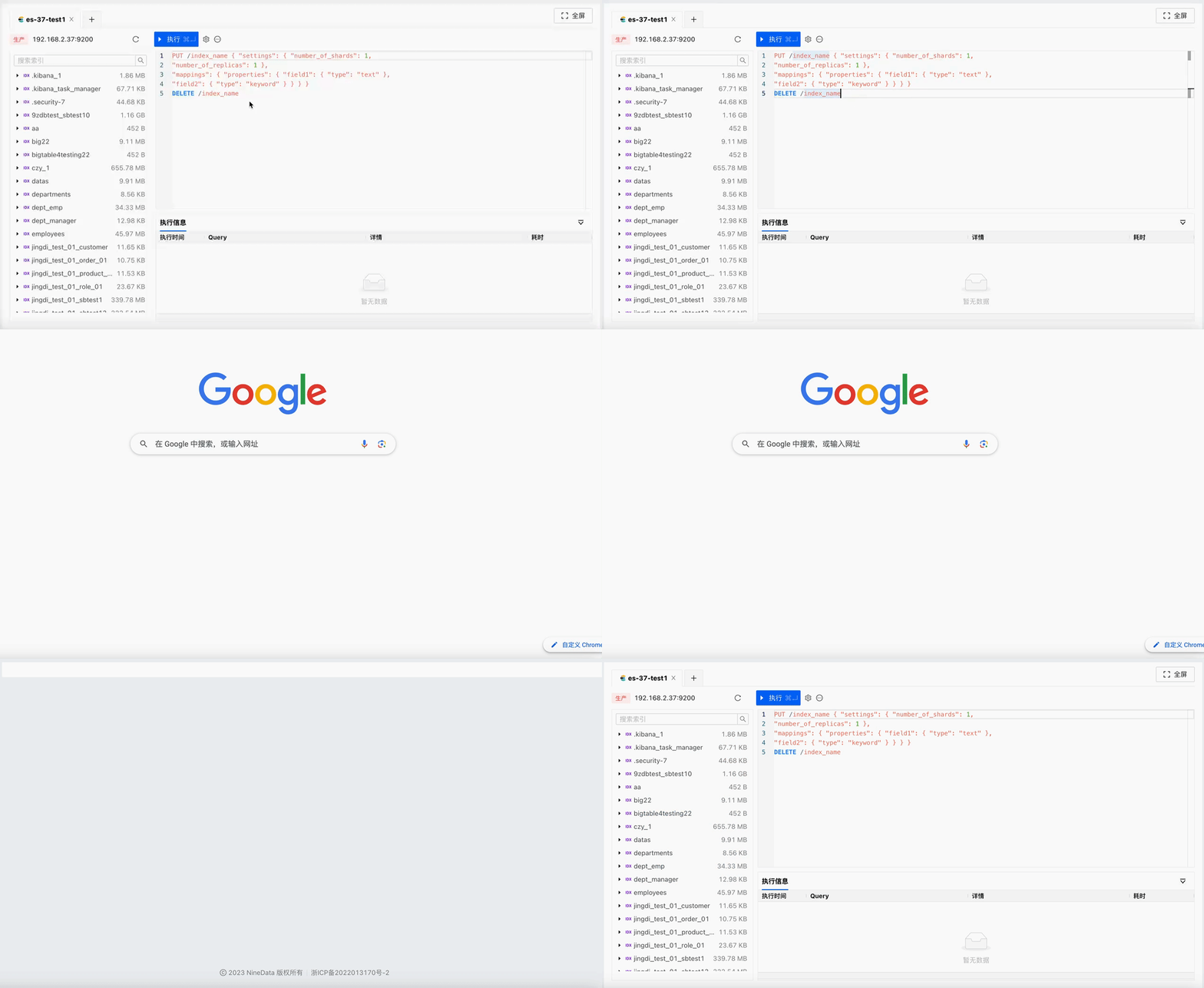
Workspace Recovery
Reopen the SQL Console after an unexpected browser exit or system interruption. Previously opened data sources and executed commands are restored from the cloud-saved workspace state.
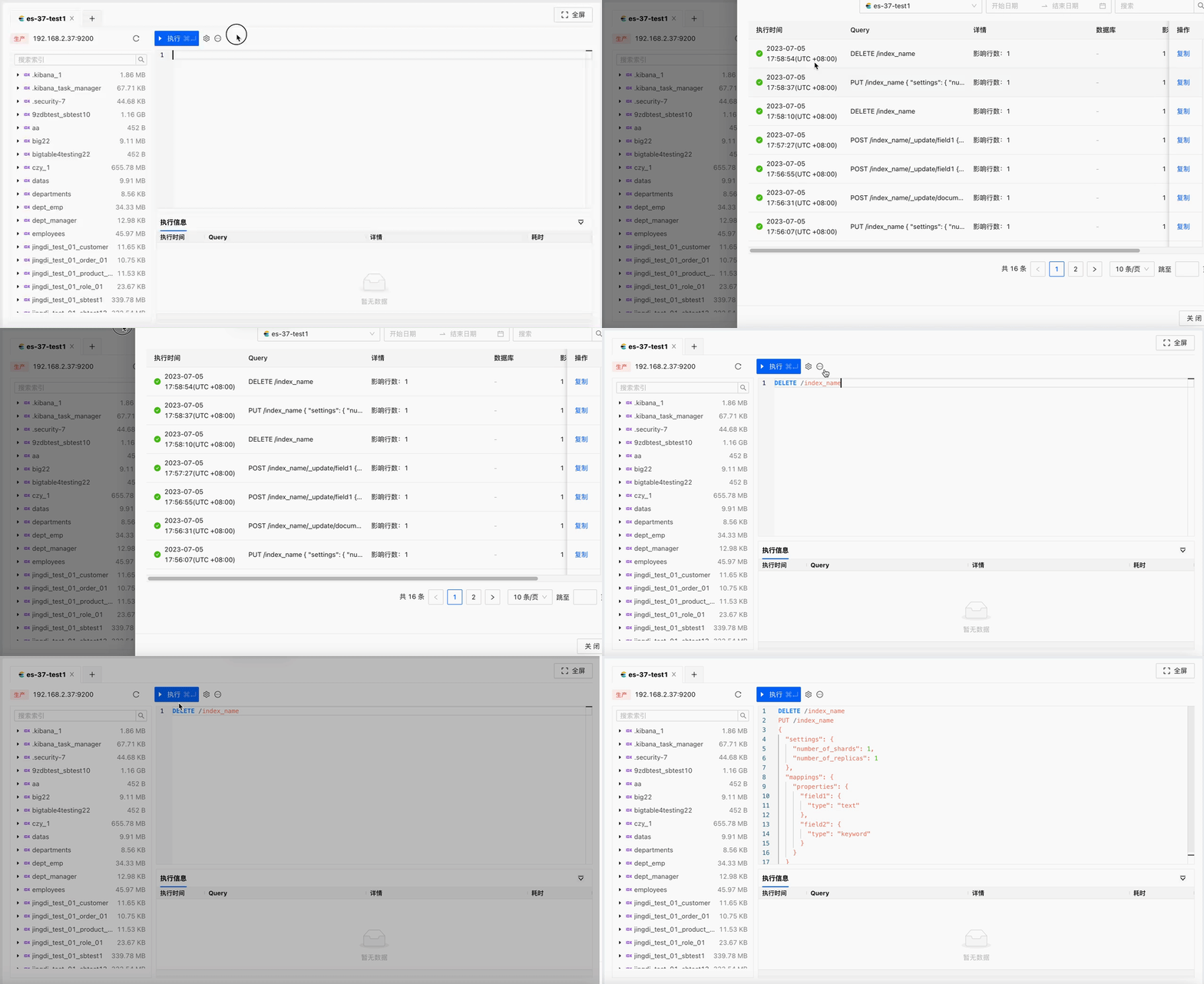
Command History
Search command history by data source, execution time, or command keyword, then copy commands for reuse.
Result
After the Elasticsearch data source is added to NineData, users can manage Elasticsearch data from a visual console while administrators keep collaboration, permission, audit, and recovery controls in one platform.