MySQL Slow SQL Governance with ChatDBA | NineData
Slow SQL governance requires more than execution time. Use execution frequency, scan scope, index usage, session impact, and business priority to identify the SQL worth handling first, then choose mitigation or optimization.
Before you begin
- Sign in to the NineData console and add the target MySQL data source.
- Confirm that the current account can access the target data source.
- Prepare a time range, business impact, or suspicious SQL to analyze.
Procedure
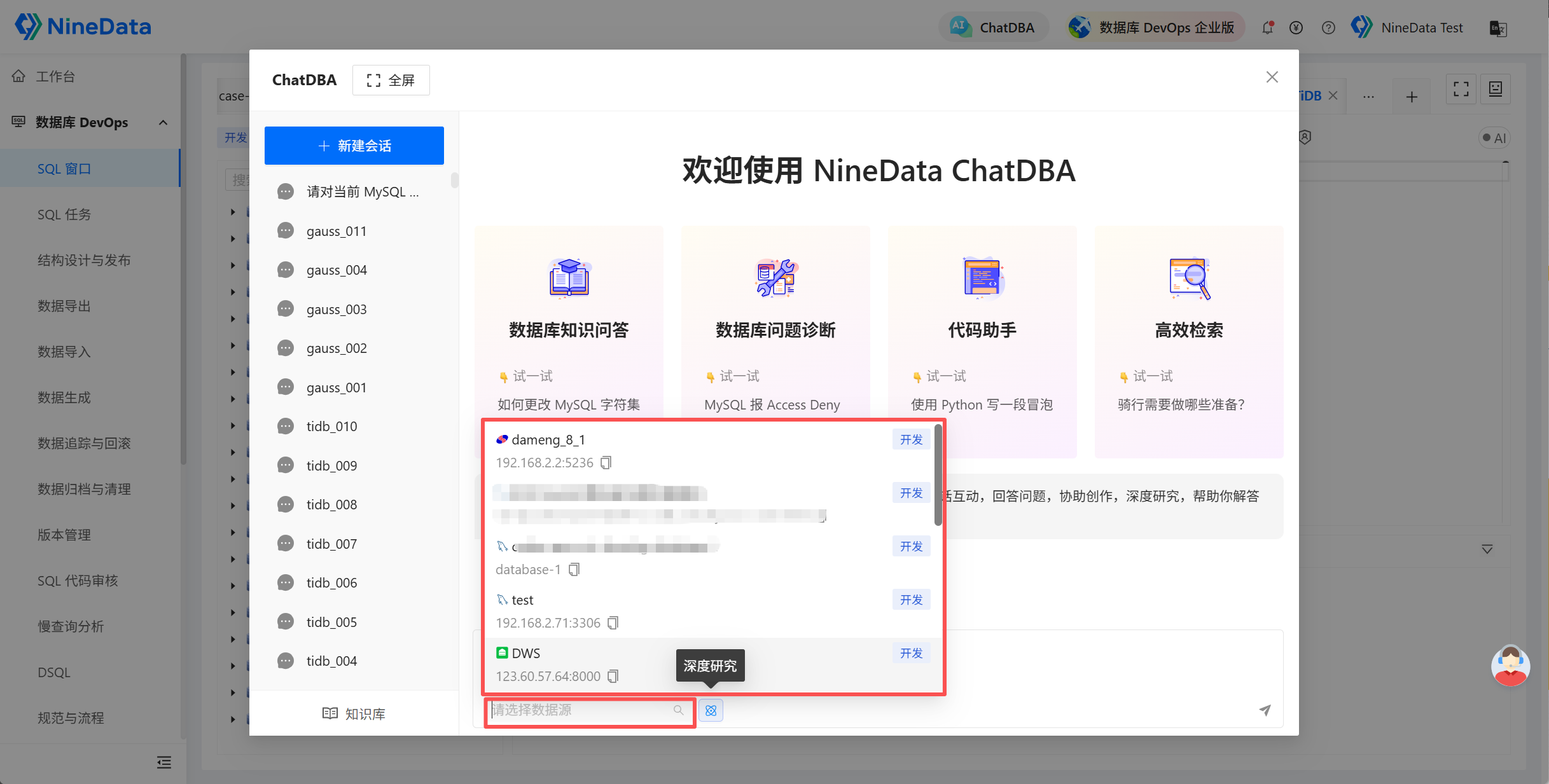
Open ChatDBA and select the MySQL data source through Select Datasource.
Enter and send a request such as:
Analyze the current MySQL instance for frequent or abnormal slow SQL. List suspicious SQL, related sessions, impact scope, and optimization directions.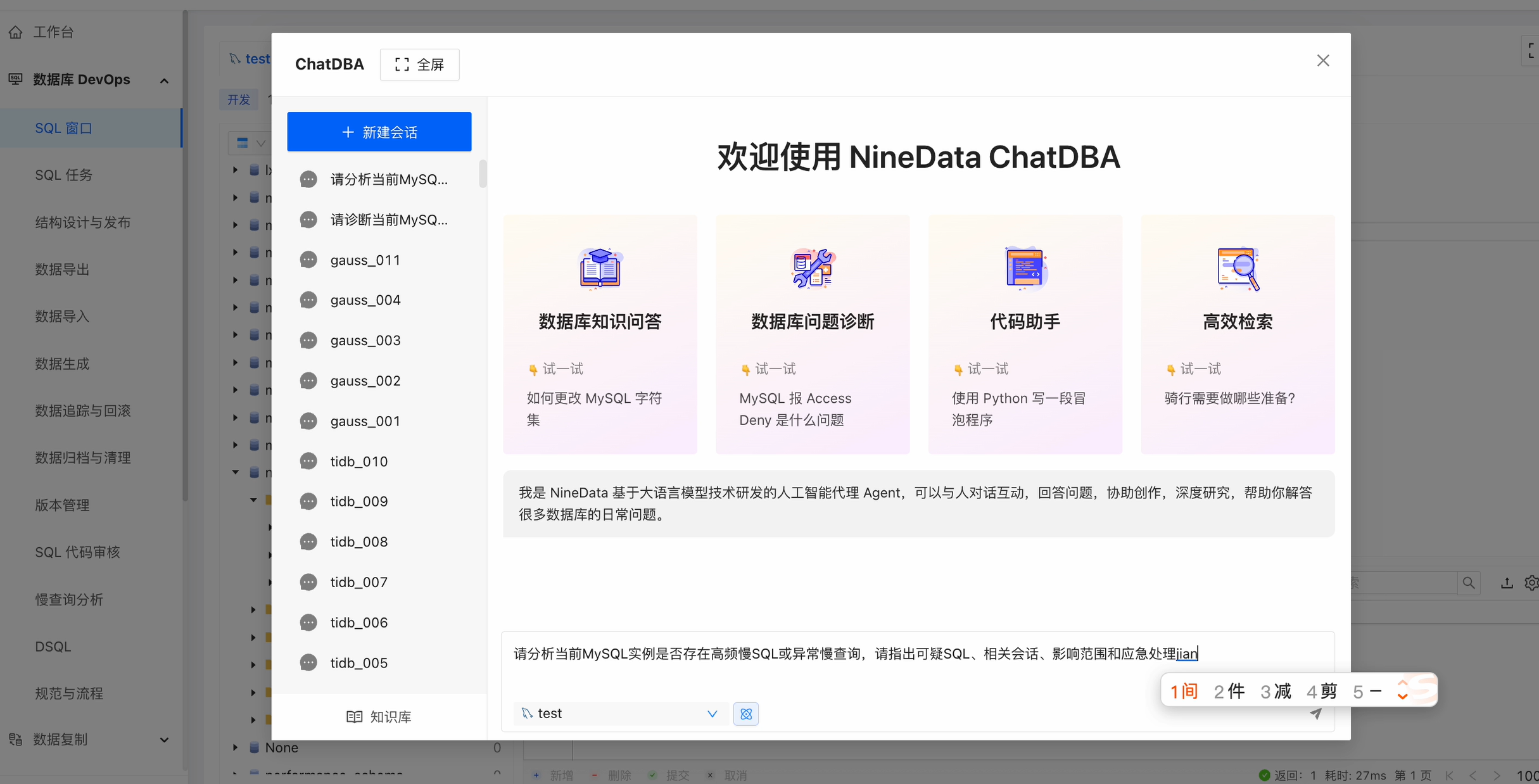
Review suspicious SQL, execution impact, related sessions, index suggestions, rewrite directions, and follow-up governance actions.
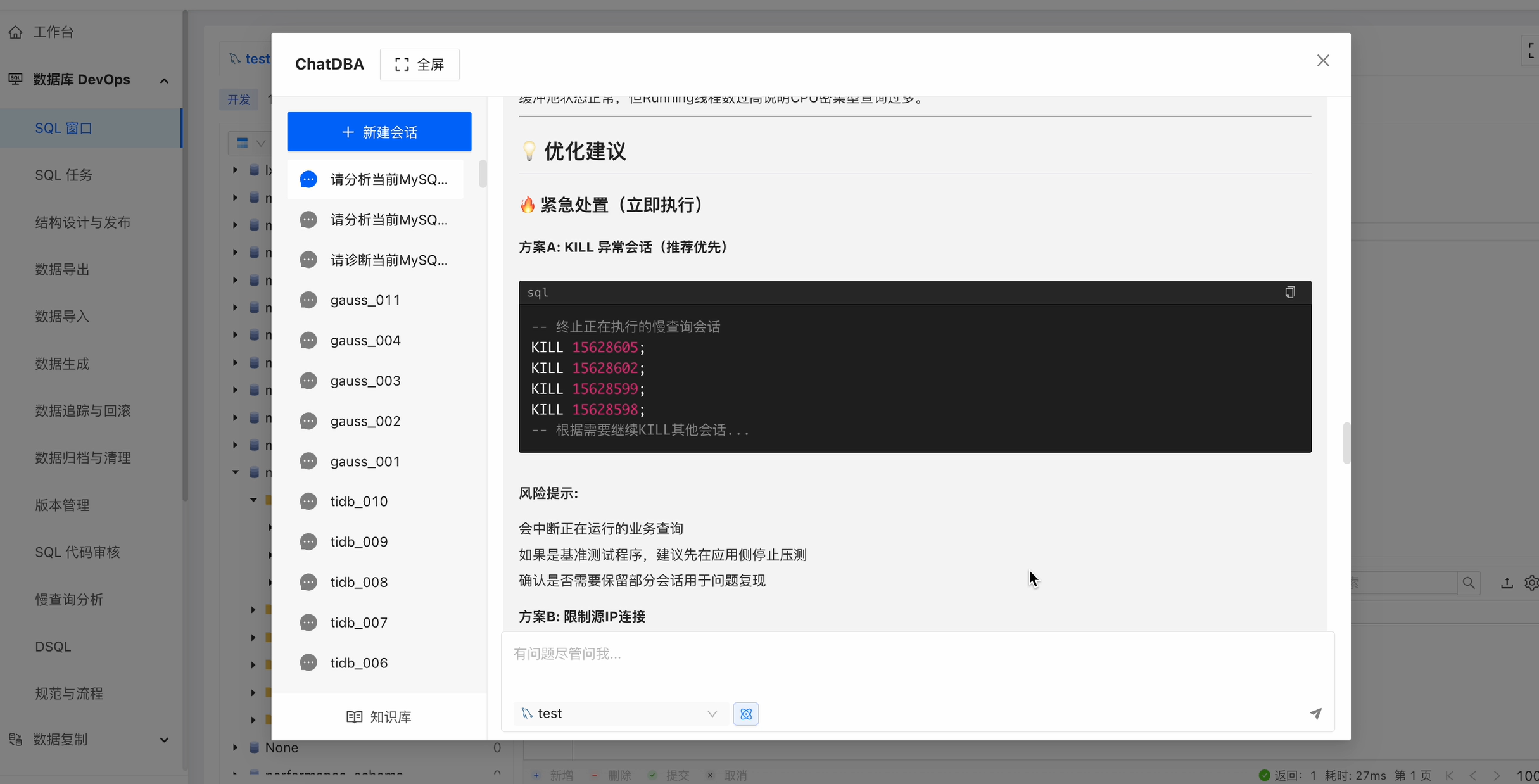
For SQL that requires confirmation, review the execution plan, table structure, indexes, and data distribution before changing SQL or database objects.
Result and precautions
- ChatDBA suggestions do not replace execution-plan review, business-semantic review, or change approval.
- For resource-consuming SQL, assess business impact before waiting, limiting, or terminating a session. Do not run a kill command unconditionally.
- Recheck execution plans, response time, and resource usage after optimization, and record the governance result.