MySQL Lock Diagnosis with ChatDBA | NineData
Lock waits usually involve a blocking session and one or more waiting sessions. Reconstruct the blocking chain first, then review transaction contents and business impact before choosing a handling action.
Before you begin
- Sign in to the NineData console and add the target MySQL data source.
- Confirm that the current account can access the target data source.
- Prepare authorization, approval, and rollback requirements before handling a production lock wait.
Procedure
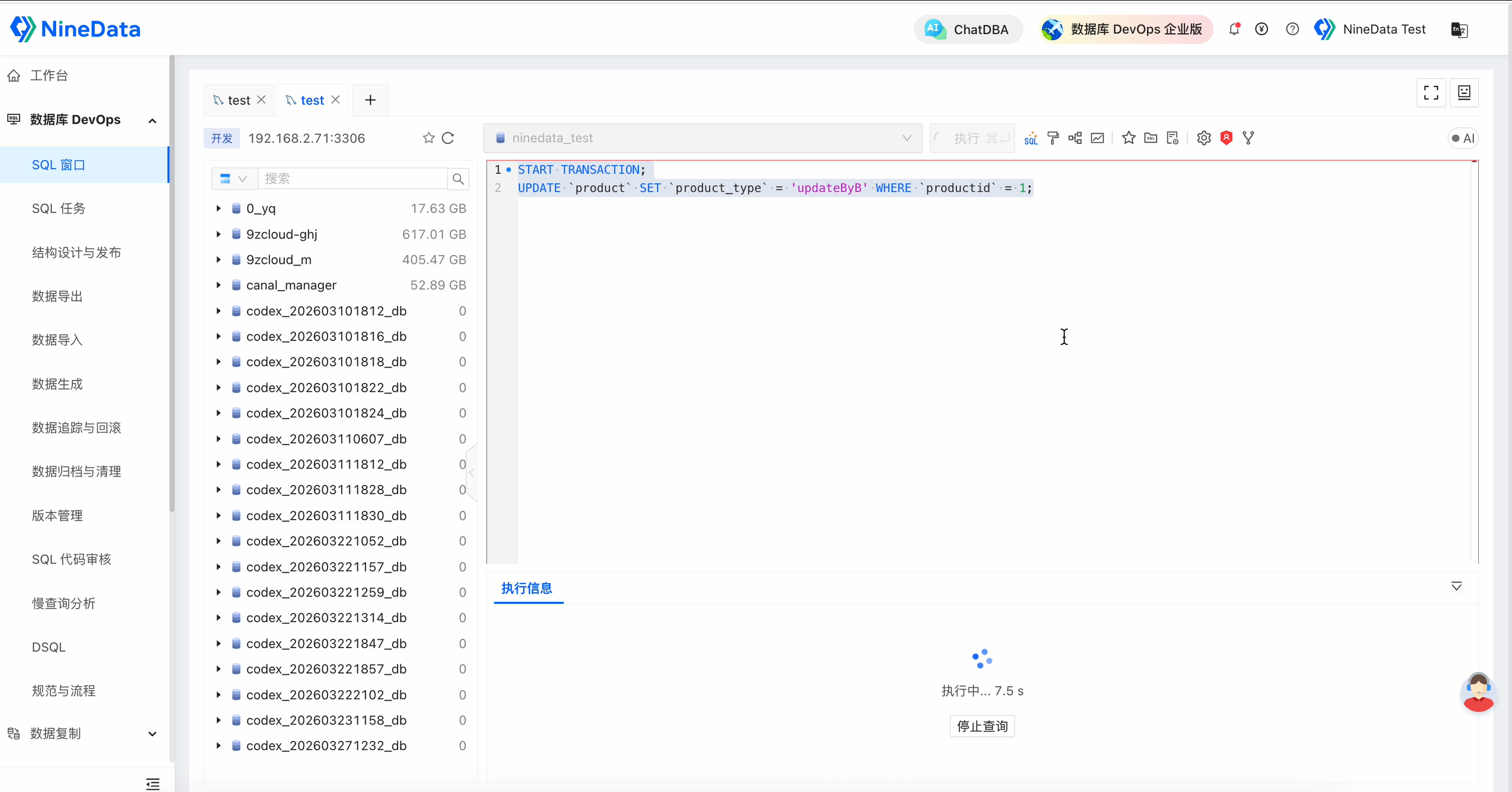
Open SQL Console for the target MySQL data source and confirm that the issue is within the authorized troubleshooting scope.
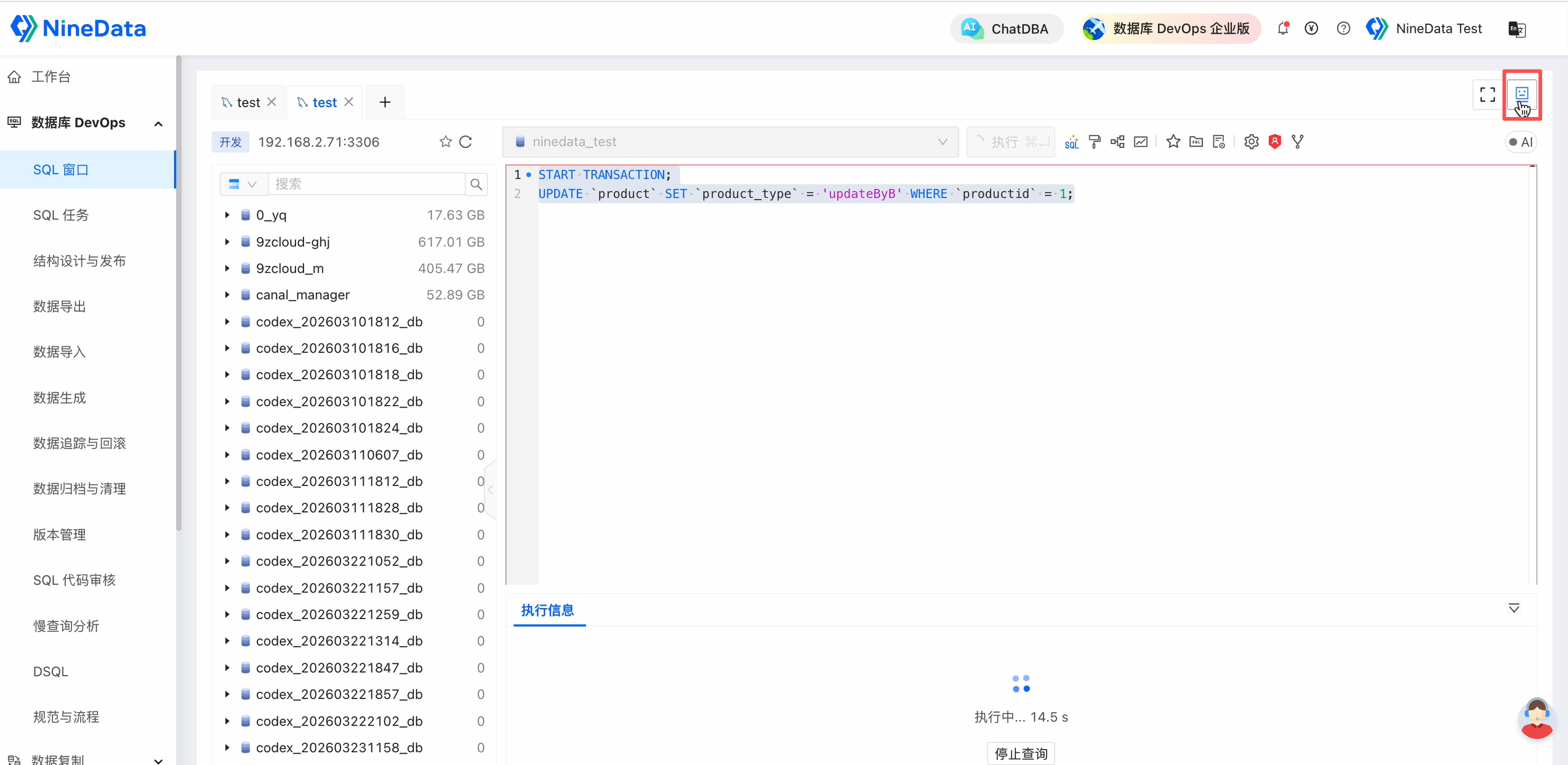
Open ChatDBA from the upper-right area of SQL Console.
Enter and send a request such as:
Diagnose the current MySQL instance for lock waits or deadlock risk. Find the blocking session, blocked sessions, related SQL, and emergency handling suggestions.Review the blocking session, waiting sessions, blocking SQL, waiting SQL, pre-action checks, and long-term recommendations.
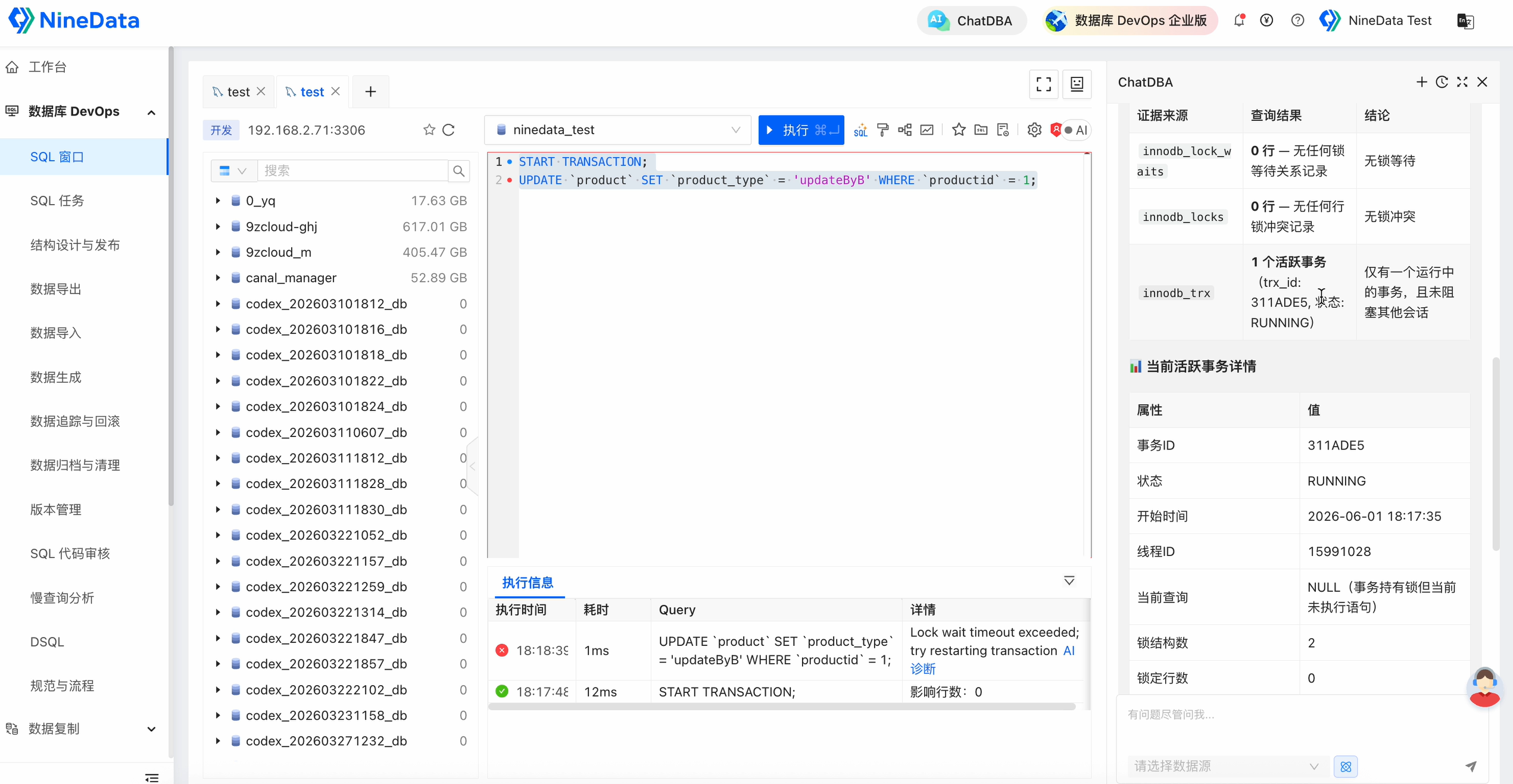
Result and risk
- Confirm the blocking session before deciding which session to terminate.
- Commit, rollback, or session termination may change business state. Confirm transaction contents, business impact, rollback cost, and approval before acting.
- Reduce future lock risk by reviewing transaction duration, access order, indexes, and batch size.