Controlled Database Access for AI Agents with NineData Skill | NineData
AI Agents that work with databases should not hold database passwords directly or bypass an organization's permissions, SQL rules, approvals, and audit trails. NineData-Skill provides a controlled platform entry point so queries, SQL tasks, data imports, and data exports remain subject to NineData governance.
When to use this workflow
- Query data sources accessible to the NineData account from an AI Agent or Vibe Coding tool.
- Run read-only SQL or obtain an execution plan for review.
- Submit data or schema changes as SQL tasks through rule checks, approval, execution, and audit controls.
- Submit data exports for read-only queries and process approval and file permissions through the task state.
Before you begin
- Sign in to the NineData console and confirm permission to access the Skill page.
- Create an OpenAPI AccessKey for the calling scenario in Account > AccessKey Management in the NineData console, then store the credentials from the creation result page in a restricted Agent runtime configuration. For details, see Manage AccessKey.
- Confirm that the current account has access to the target data source and the required DevOps workflow.
- Confirm that the selected Agent client does not write credentials to conversations, logs, or source code.
Configure and verify Skill
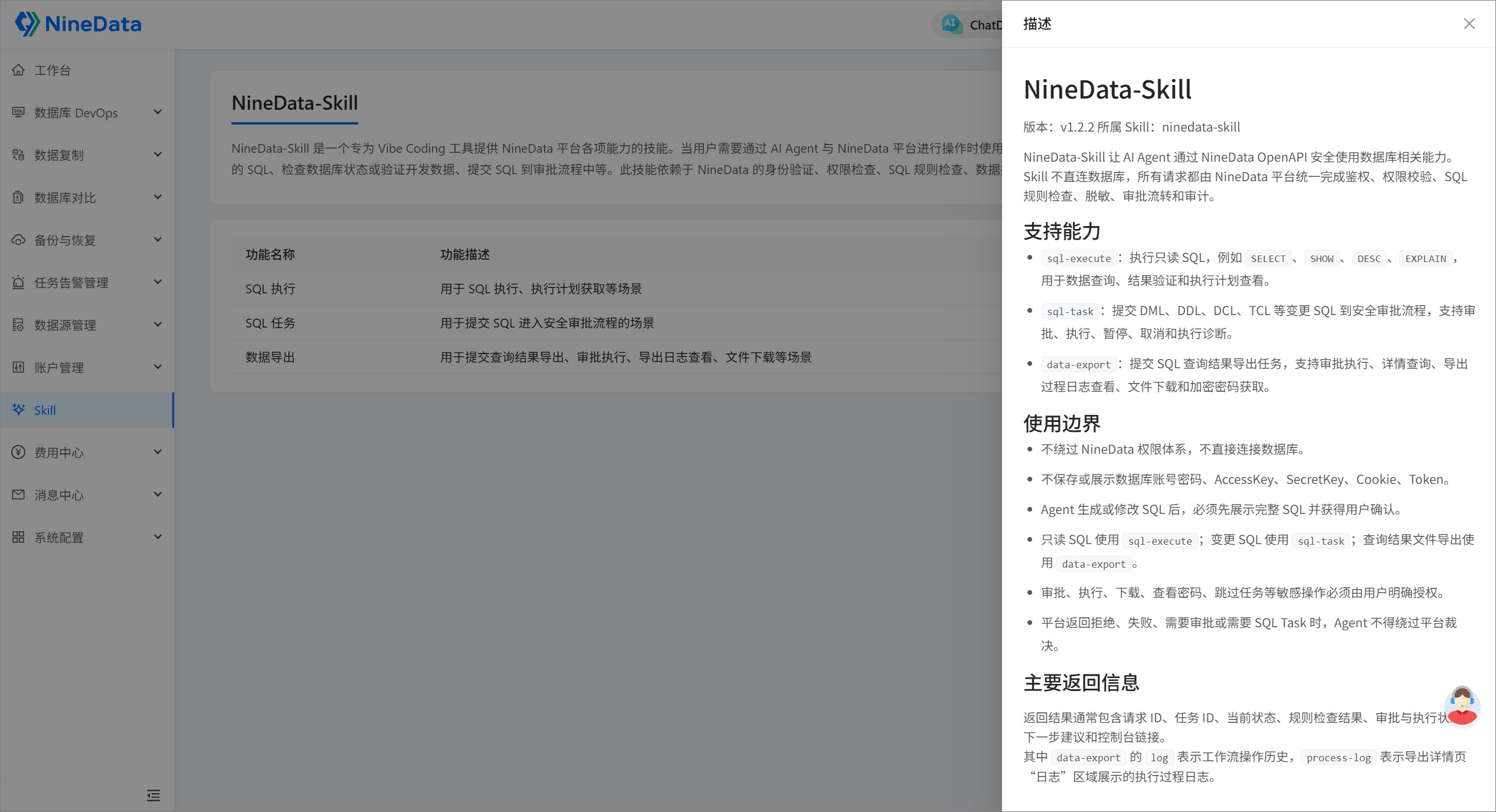
In the NineData console, click Skill in the left navigation. Review the displayed tools and usage boundaries.
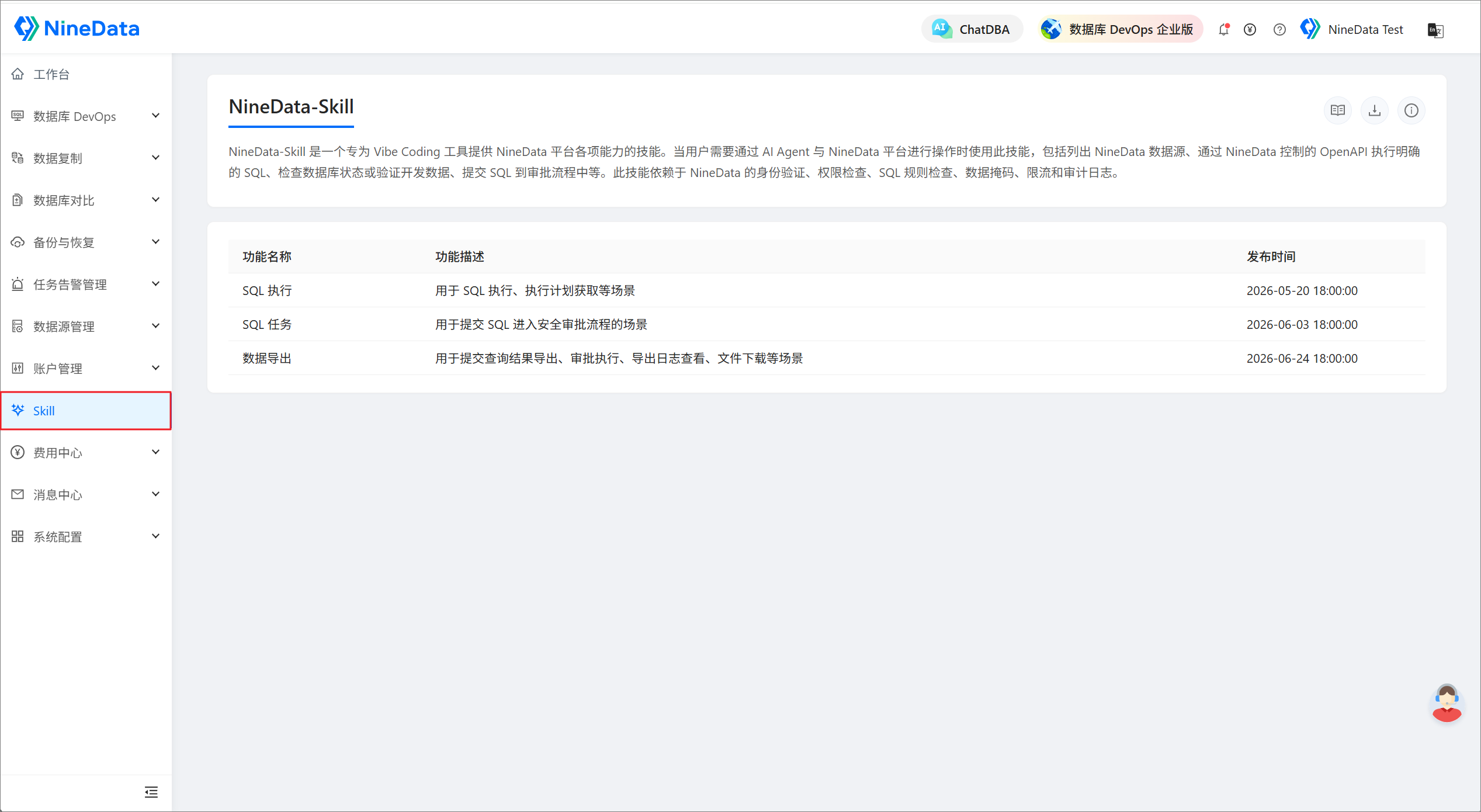
On the NineData-Skill page, review the description and quick configuration guide to confirm the client, tool entries, and platform endpoint.
Download
ninedata-skill.zip, follow the page guide to install it in the target Agent client, and store the endpoint and OpenAPI credentials in a restricted local configuration.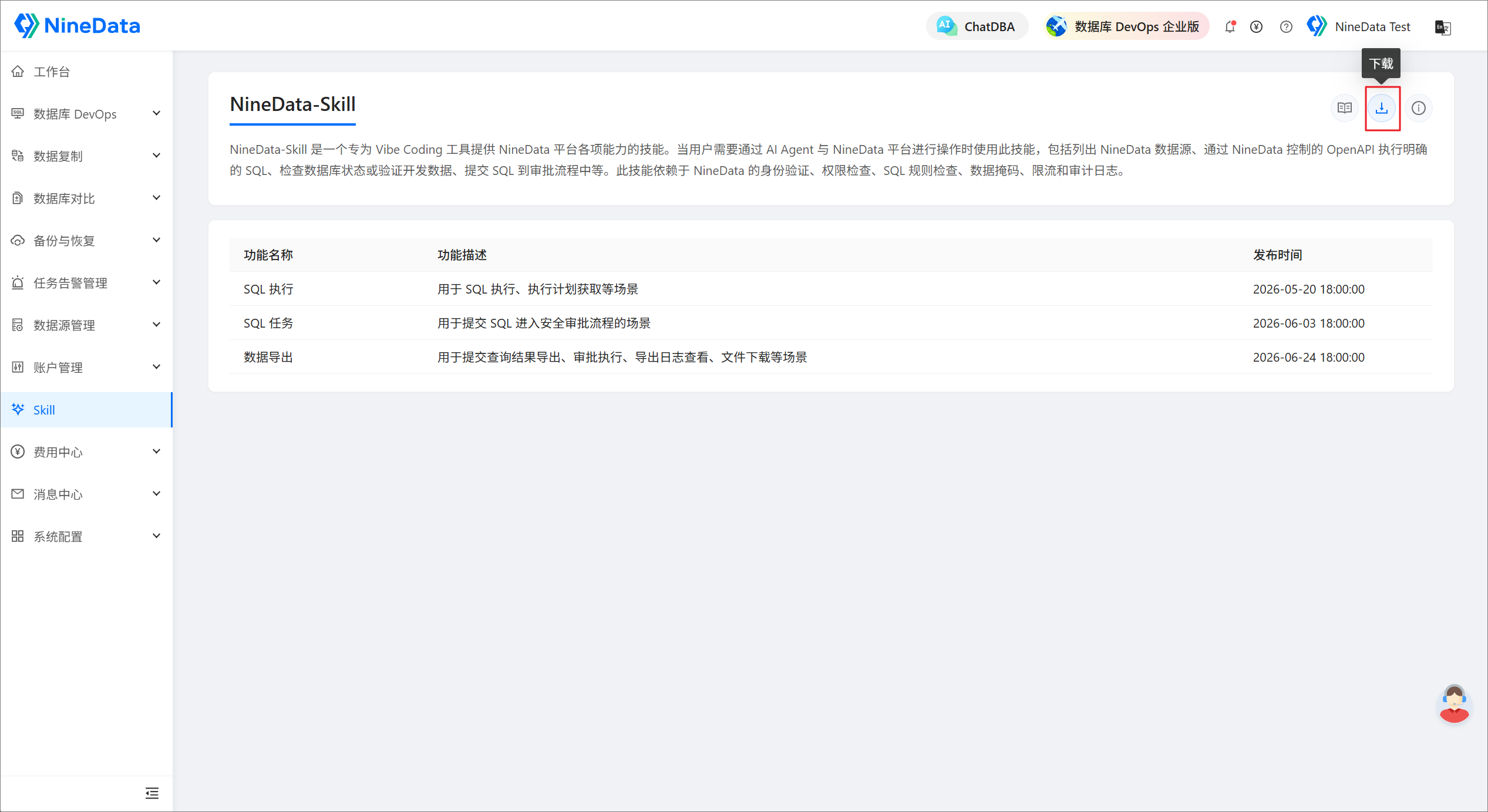
Run the Skill configuration check first, then list the data sources accessible to the current credentials. Confirm the organization and permission scope before continuing.
Select the Skill capability by risk
- List data sources: List data sources accessible to the current credentials before selecting the target environment.
- Read-only SQL: Require the Agent to show the complete SQL, target data source, and query purpose. After review, use SQL execution for a result preview or execution plan.
- Data or schema changes: For statements such as
INSERT,UPDATE,DELETE,CREATE,ALTER, orDROP, submit an SQL task for rule checks and approval. Do not attempt direct execution outside the platform. - Data import: Confirm the target table, file, impact scope, and rollback or cleanup plan, then process the data import task state for approval and execution.
- Data export: Confirm the read-only SQL, data scope, and file type before submitting an export task. Execute or download only after the task allows it and the user explicitly authorizes the action.
Security boundaries
- Treat Skill output as decision support. Review business impact, rollback, approval state, and audit requirements before a production change.
- Follow platform responses such as rejection, confirmation required, SQL task required, or approval required. Do not resubmit to bypass a rule.
- Require the user to explicitly specify high-risk approval actions such as
approve,reject, ortransfer-approval. - Never expose AccessKey, SecretKey, cookies, tokens, signatures, or database credentials in Skill configuration, conversations, logs, screenshots, or commits.