Account management overview
NineData account management controls how users collaborate, access data sources, and use product modules. For team-based work, create or join an organization, assign users to roles, and grant the module or data source permissions they need.
Use this overview to understand the main account concepts before you configure organizations, users, roles, or permission policies.
Organization
Organizations are designed for teams that need shared data source management, role-based access control, and collaborative database workflows. In organization mode, administrators can assign roles and resource permissions to each user in the organization.
To check your current mode, hover over the icon in the page header of the console.
Personal mode (SQL Dev. Personal)
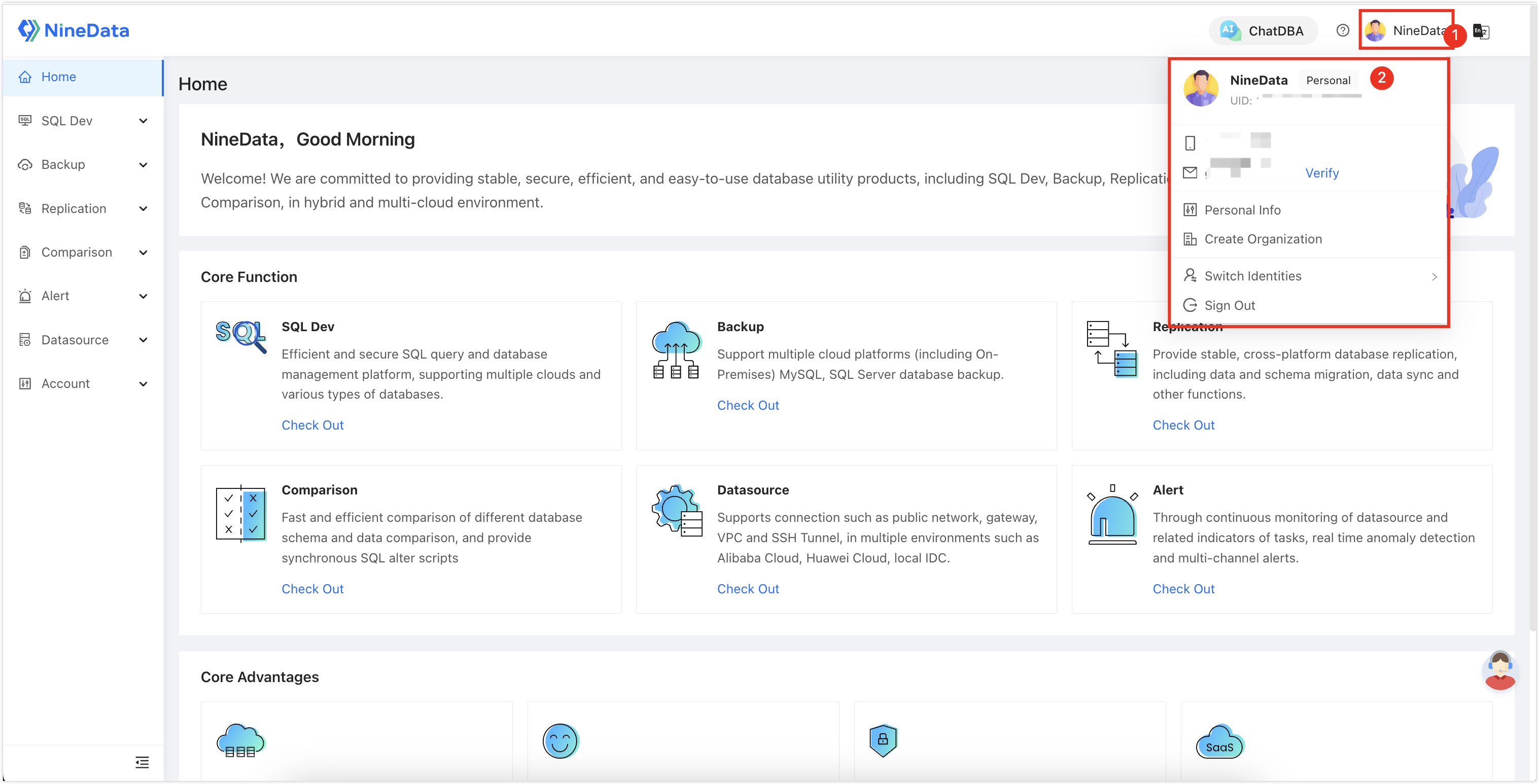
Organization mode (DevOps Pro, DevOps Enterprise)
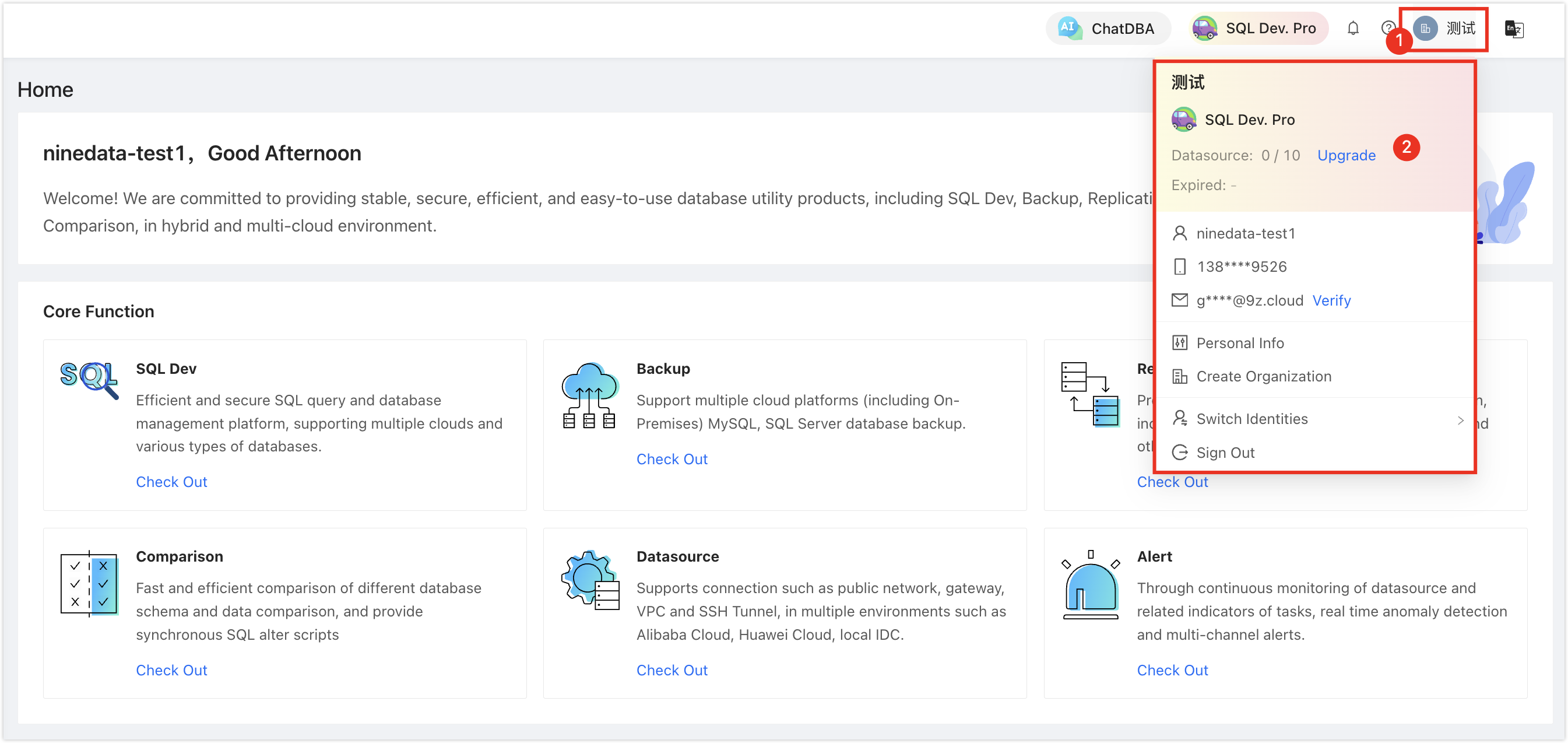
To create, switch, or edit organizations, see Manage organizations.
User
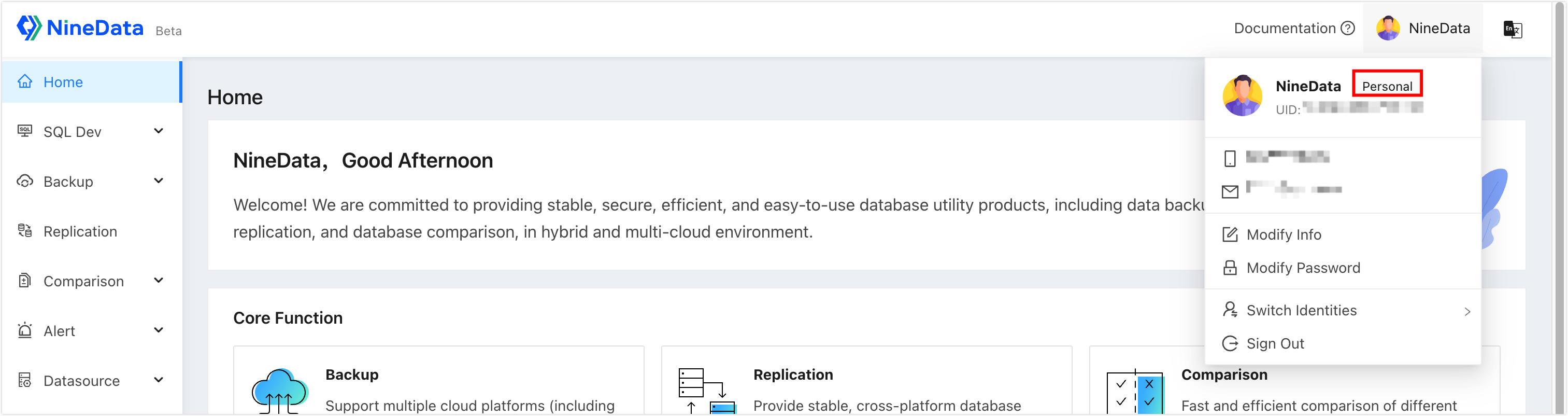
A user is an individual NineData account. In personal mode, the account owner manages their own resources. In organization mode, a user belongs to an organization, and administrators assign roles and resource permissions to that user.
The console also displays the current mode near the account icon.
For user management tasks, see Manage users.
Role
Roles define which resources and modules a user can access. NineData provides five preset roles:
- System administrator: The user who creates the organization receives the System administrator role by default. This role has all permissions for organization data sources, users, roles, and product modules. System administrators can enable Role Authorization for other roles in Other Permission.
- Production environment administrator: Has all permissions for production data sources and product modules by default.
- Production environment read-only: Has read-only permissions for production data sources and access to product modules by default.
- Development environment administrator: Has all permissions for development data sources and product modules by default.
- Ordinary member: Has access to product modules by default.
- System administrators can edit or delete preset roles except system administrator, and can also add custom roles. For details, see Manage roles.
- For the permissions included in each preset role, see Appendix: List of preset role permissions.
Permissions
There are four types of permissions in NineData:
Admin permissions: Manage users and roles in the current organization. Administrator has all management permissions by default. Other roles can enable Role Authorization in Other Permission and manage child roles within the source role's permission scope, but cannot create an independent organization-level role. New child roles do not have this permission enabled by default.
Service Permission: Controls whether a user can access the major console modules: DevOps, Backup, Replication, Comparison, Datasource, and Alert. Module permissions can also be scoped to subfeatures, such as SQL Console in the DevOps module.
Datasource Permission: Controls whether a user can perform operations such as editing, SQL queries, backup and recovery, data replication, and database comparison on a data source.
tipDatasource Permission works together with Service Permission. For example, if a user has data replication permission on a data source but does not have access to the replication module, they still cannot use data replication.
Other Permission: Includes Alert Permission, Role Authorization, and Sensitive Data Management.
- Alert Permission: Allows the user to configure alerts.
- Sensitive Data Management: Allows the user to configure sensitive data sources.