Write SQL Faster with NineData SQL AI Suggestions
Anyone who writes SQL regularly has probably felt this before:
You already know what you want to query, but once you start typing, you still have to fill in keywords, table names, fields, and statement structure piece by piece. The more joins, filters, and conditions you have, the slower the process becomes.
Many tools offer “autocomplete,” but in many cases, they only finish a keyword. That is still far from truly helping people write SQL faster.
That is exactly the gap NineData’s SQL AI Suggestions are designed to close.
It does more than complete keywords
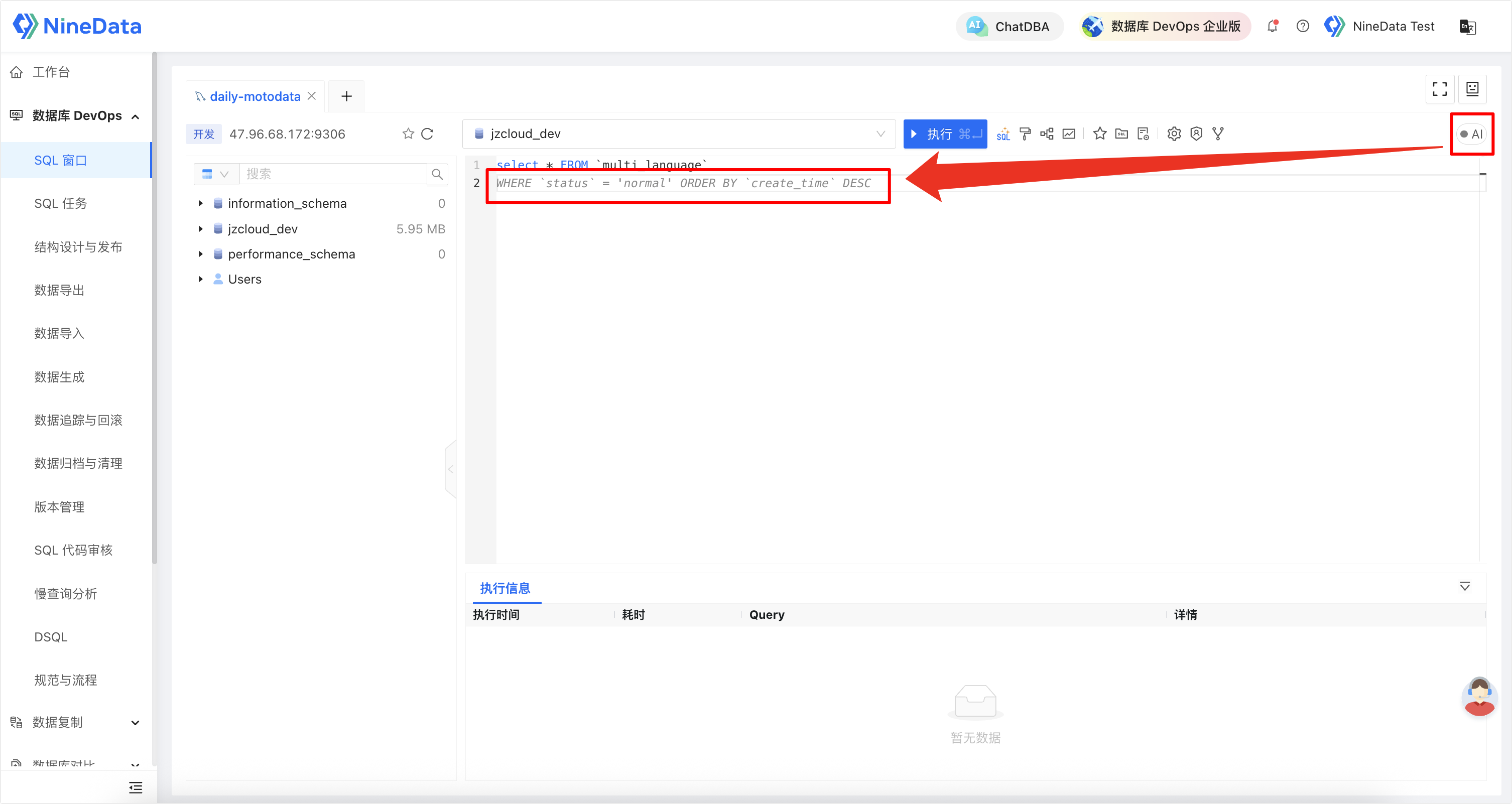
On top of NineData’s existing SQL suggestion mechanism, the SQL editor now adds AI-powered suggestions.
As you type in the SQL Console, the system combines the current context with your input and offers suggestions that are closer to what you are actually trying to write. Suggestions appear in gray text, and you can accept them instantly by pressing Tab.
Current capabilities include:
- SQL syntax completion
- Table and column suggestions
- Context-aware suggestions
- Complex statement structure completion
In other words, suggestions are no longer limited to finishing words. They now help move the SQL-writing process forward.
Where this feature makes the biggest difference
The biggest time sink is rarely a simple SELECT *. It is usually the moments when:
- You are working on multi-table joins with many fields and aliases.
- Filters, sorting, and grouping logic keep getting longer.
- You need to think through business logic while also building the full SQL structure.
- Your daily work involves constant querying, editing, and validating SQL.
In these situations, SQL AI Suggestions are valuable not just because they reduce typing, but because they reduce context switching and repeated confirmation work while you write.
Easy to use, with almost no change to your workflow
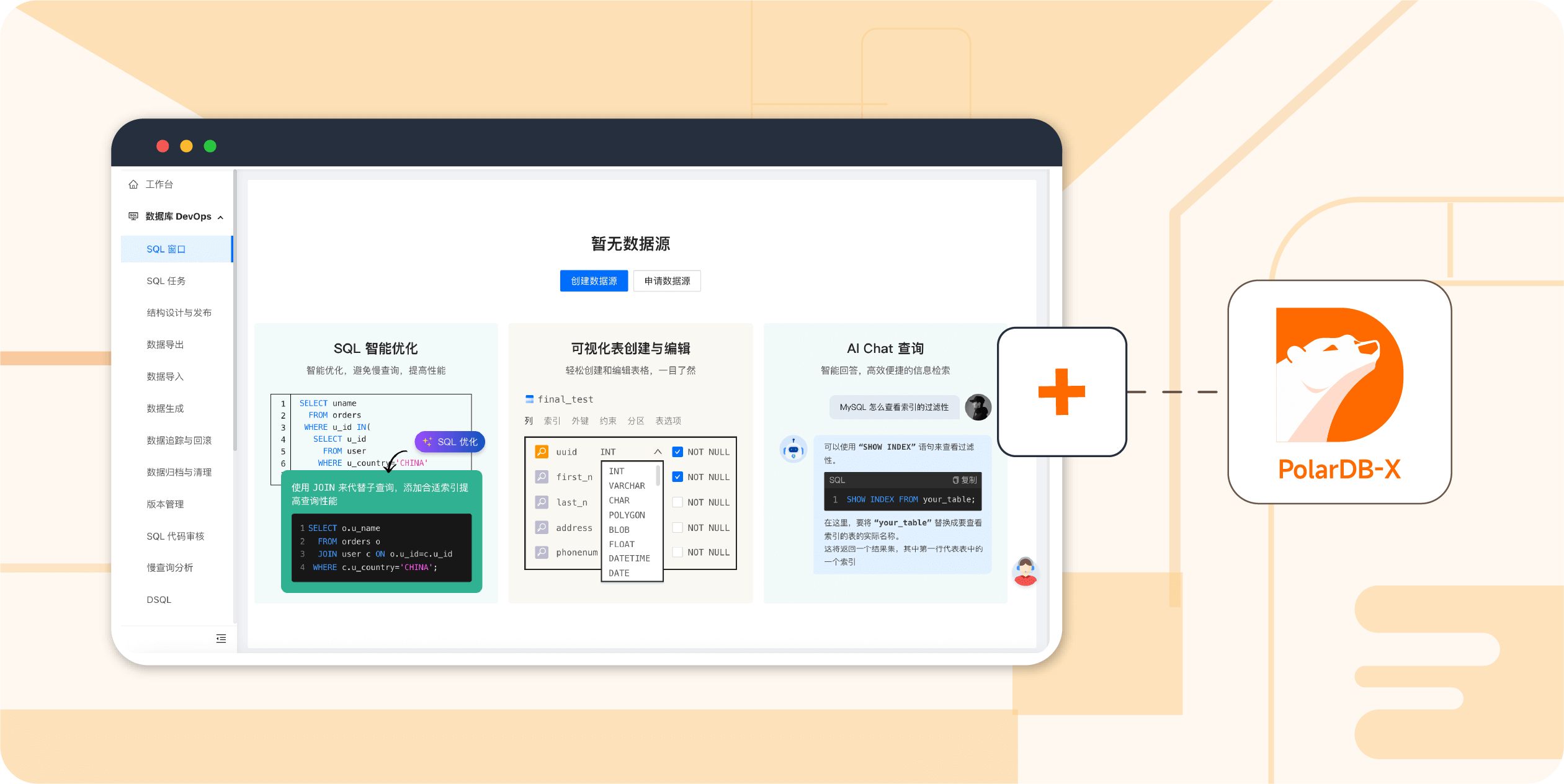
This feature is built directly into the NineData SQL Console. There is no extra plugin to install and no need to move to another tool.
Using it is simple:
- Open the NineData SQL Console.
- Turn on the SQL AI Suggestions switch.
- Start typing SQL, and press Tab whenever you want to accept the gray suggestion.
For teams that already work in the SQL Console for everyday querying and database operations, the learning curve is minimal.
Supported data sources
At the moment, SQL AI Suggestions are available in the SQL Console for:
- MySQL-like data sources
- Oracle
- PostgreSQL
That means many common relational-database workflows can benefit from this feature right away.
Final thoughts
The best productivity features do not try to replace the way people work. They make familiar workflows smoother by removing repetitive friction.
That is exactly what NineData SQL AI Suggestions are meant to do.
If you are already using the NineData SQL Console, you can start trying this feature now.
For more details, see SQL Console.