Manage data watermarks
Data watermarks display user-identifying information on NineData console pages in the current organization. They help discourage unauthorized screenshots or printed copies and make leaked screenshots easier to trace.
Overview
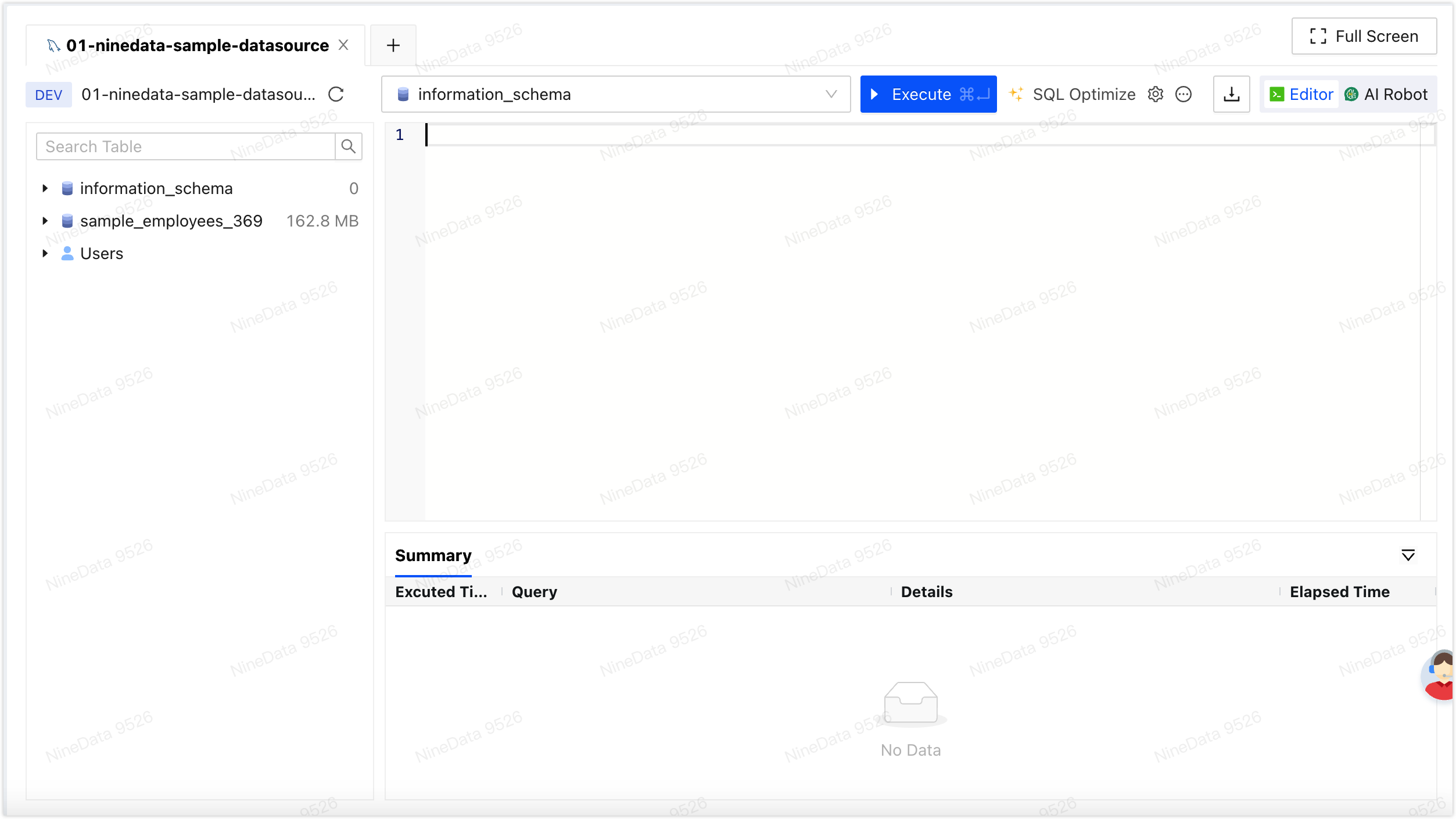
When data watermarks are enabled, NineData embeds watermark text that contains information about the signed-in user on console pages. The watermark remains visible in screenshots or printouts, which helps organizations trace leaked page images back to the account that accessed the page.
Behavior
- Automatic watermark embedding: When users access the NineData console, NineData displays a watermark that contains information about the current user.
- Screenshot and print traceability: When users take screenshots or print console pages, the watermark is included in the captured or printed content.
Before you begin
- You have already created or joined an organization, and the organization has subscribed to DevOps Enterprise. Please ensure that your annual or monthly subscription is still active. For more information, please refer to Manage Organizations.
- Your current account has been switched to the target organization. For more information, please refer to Switching to an Organization.
- Your role is Administrator. For details, see Roles.
Procedure
Sign in to the NineData Console.
- Open Account > Organization.
- Find Data Watermarks, and turn on the switch to enable the watermark.
- To disable the watermark, turn off the switch next to Data Watermarks.
Result
tip
Watermark content:
- For users in China: Username + last 4 digits of the phone number.
- For international users: Username + email prefix.