Create an AWS ElastiCache Data Source
This page explains how to review and fill in the AWS ElastiCache data source form in the NineData console. Use the fields shown by the current console.
Before you begin
The server IP address of NineData has been added to the data source allowlist. The server IP address can be viewed by selecting the target region in Access Region on the Create Datasource page.

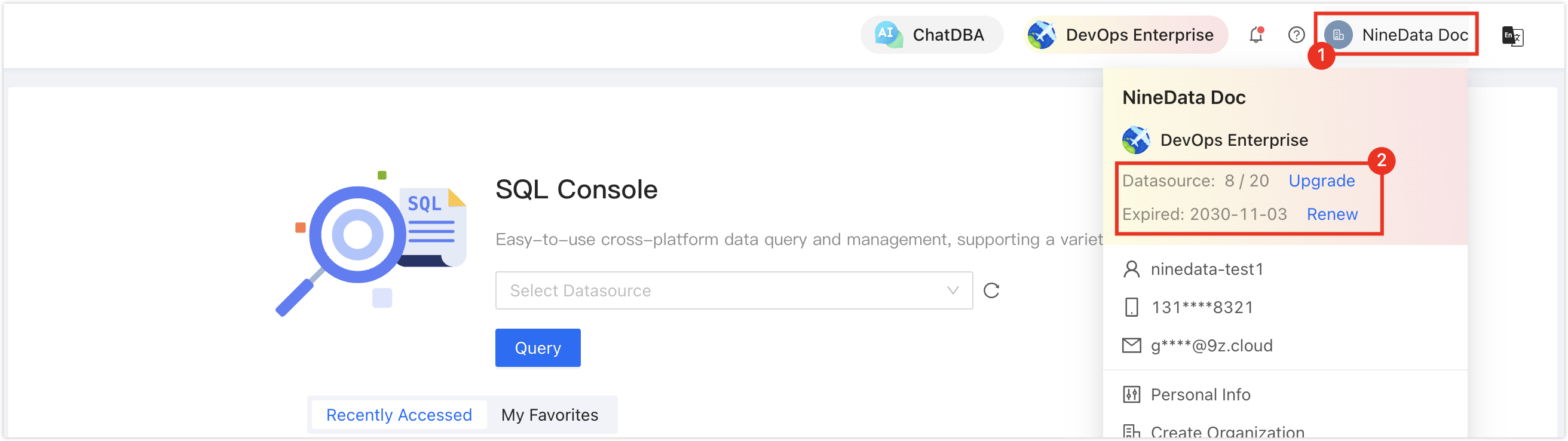
Make sure data source quota is available; otherwise, the data source cannot be added. Check the remaining quota in the NineData Console header.
Procedure
Open the data source creation flow in the NineData console. If the current console offers the type covered by this page, select it, then use the fields, conditions, and validation prompts actually shown by that form to configure and submit the data source.